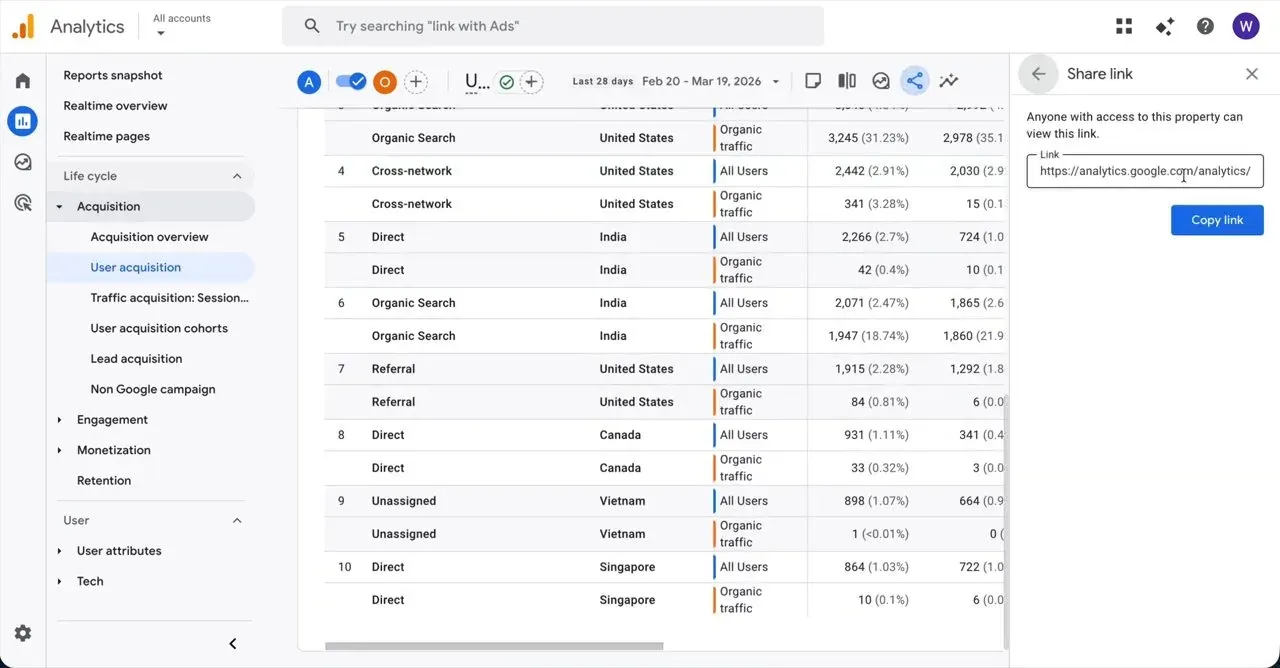
Standard Operating Procedure: Accessing and Configuring User Acquisition Reports
Standard operating procedure
Purpose
This procedure details the steps required to navigate to the user acquisition report, apply an organic traffic comparison, change the report dimension to country, and copy the report link for sharing.
Scope
This procedure applies to all personnel responsible for analysing and sharing user acquisition data within the analytics platform.
Steps
Click the collapse menu icon in the upper left corner of the screen, sliding open the navigation drawer to reveal the main menu items.
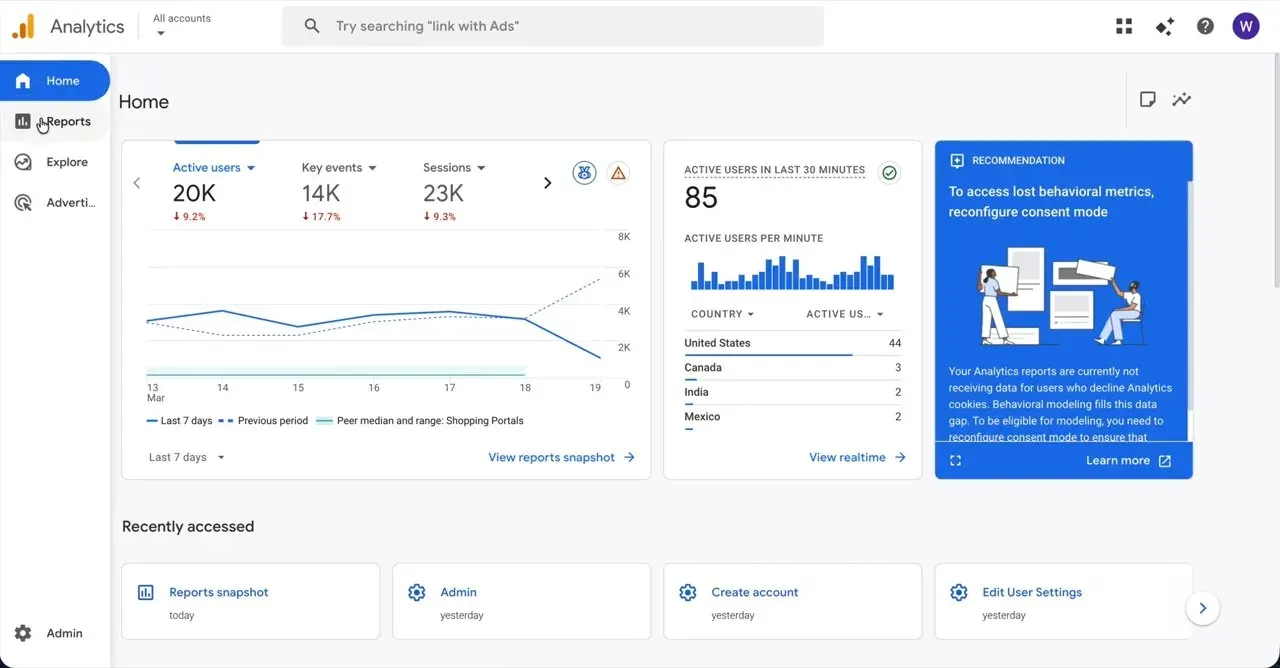
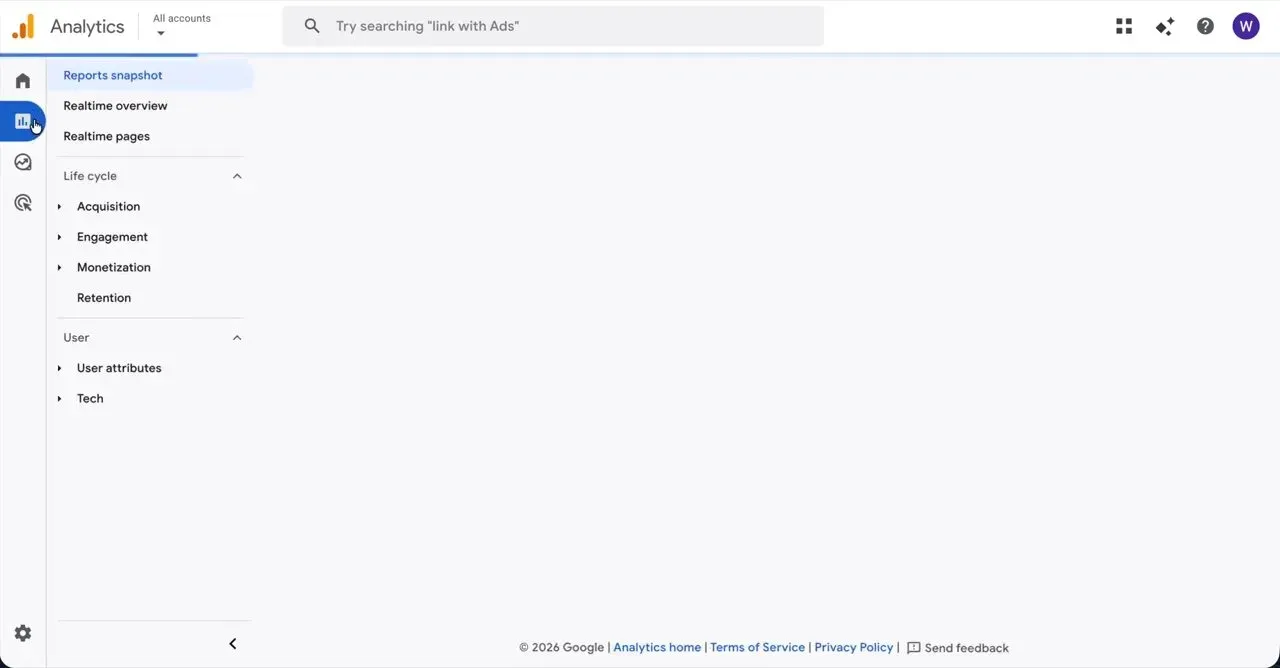
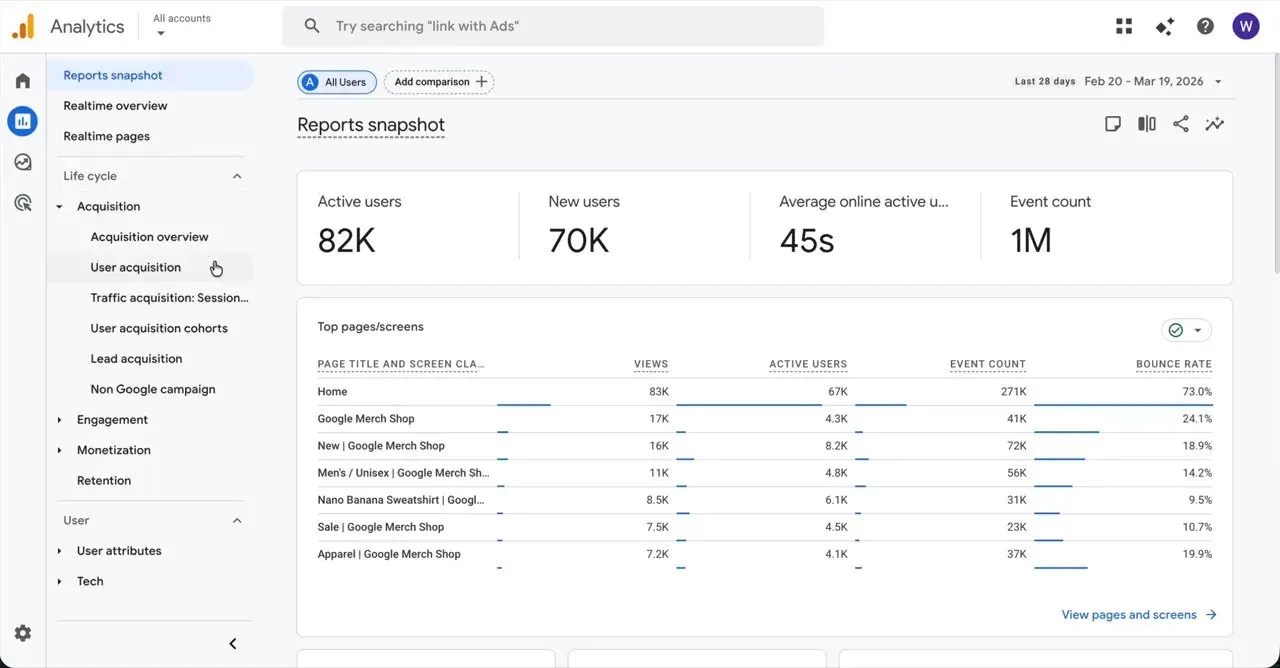
Click Reports in the left navigation sidebar to transition the view to the reports dashboard.
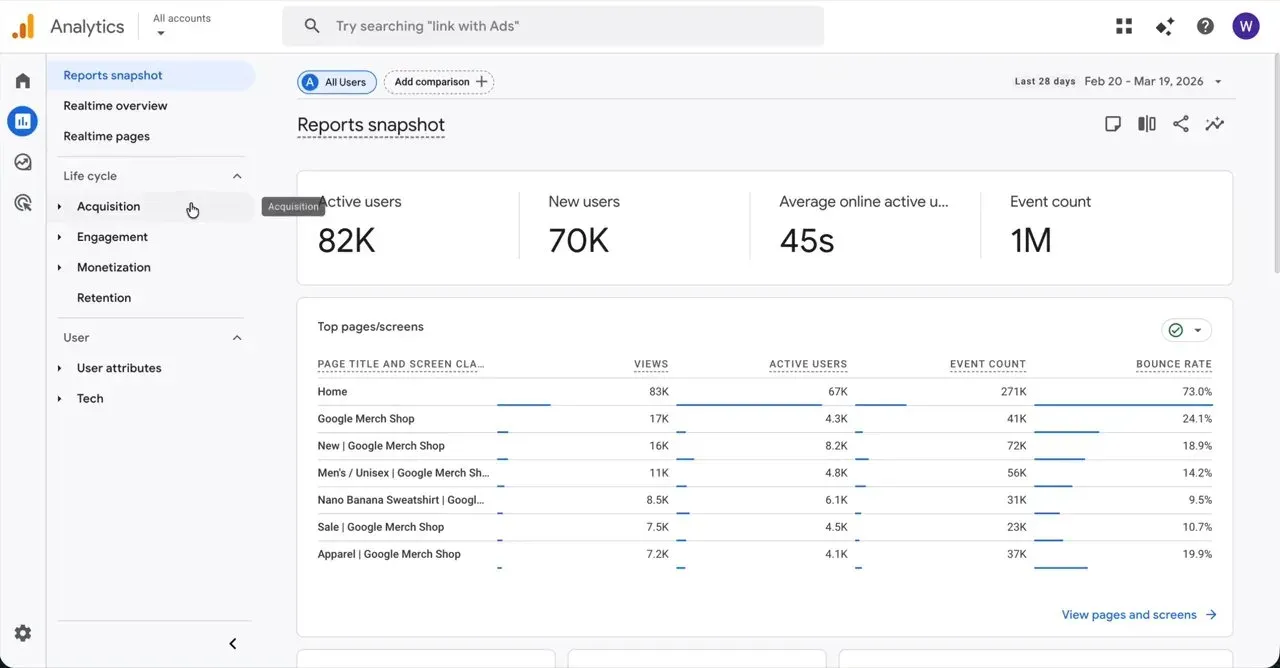
Hover over Acquisition in the left navigation sidebar to expand a submenu with additional options.
Click User acquisition in the left navigation sidebar, updating the main panel to display user acquisition data.
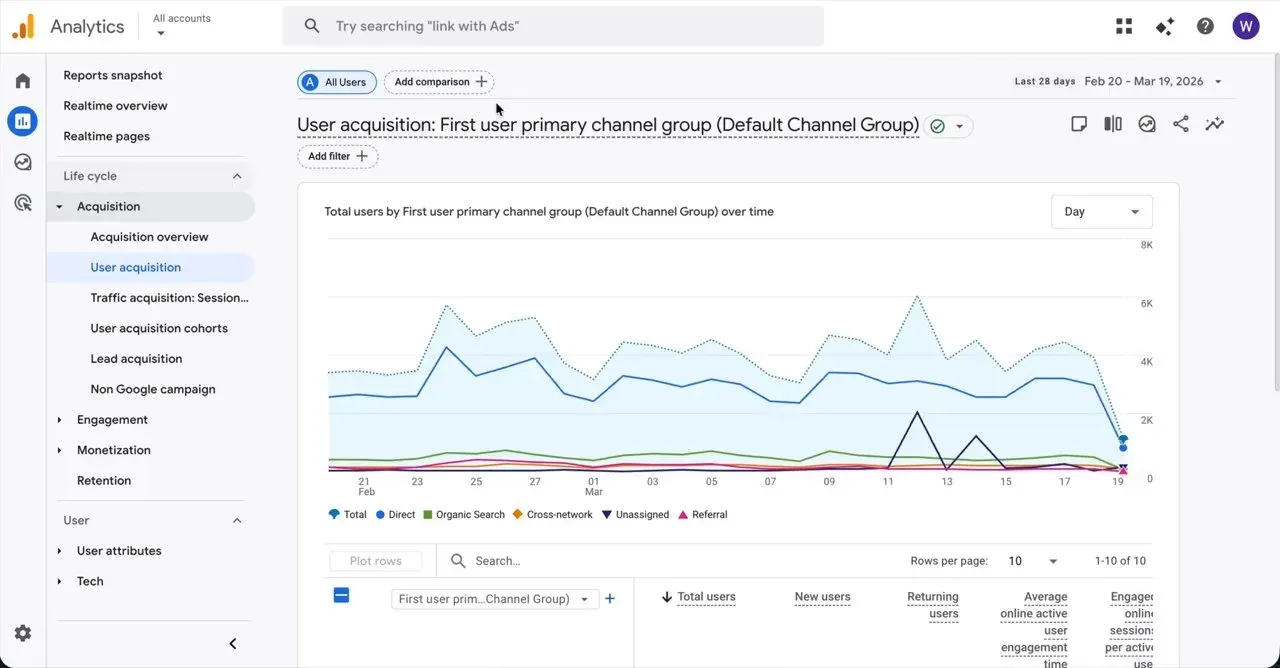
Click Add comparison near the top of the user acquisition report to open a panel on the right side of the screen.
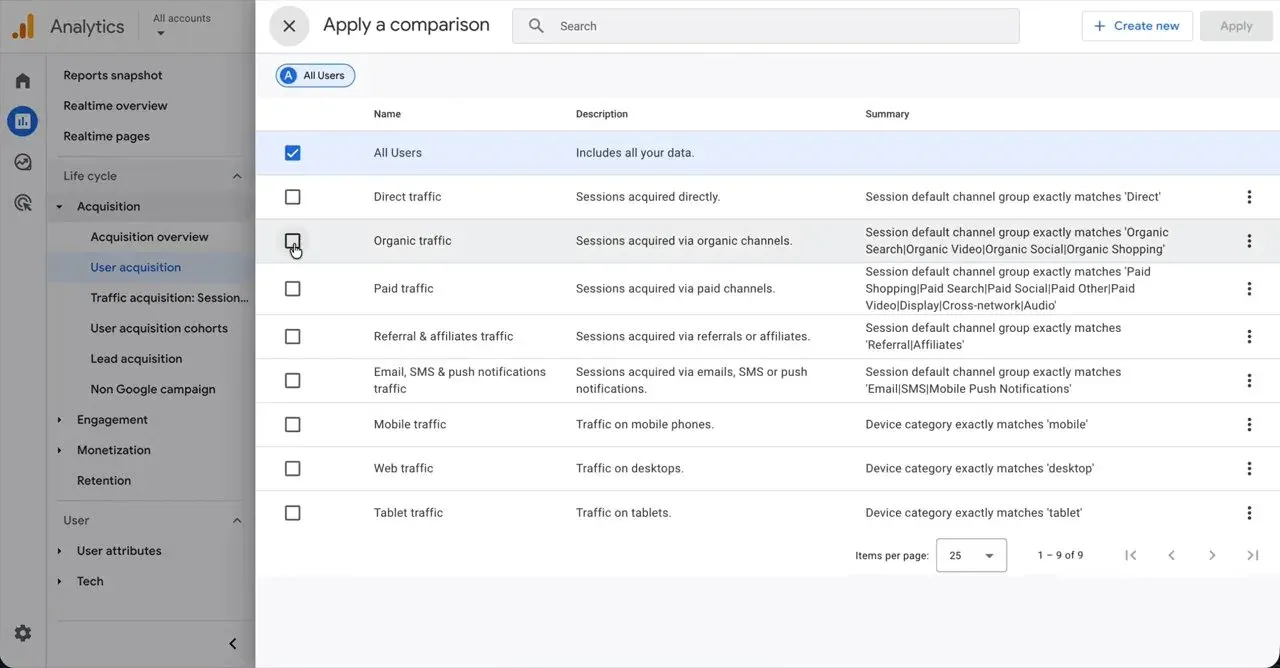
Click the Organic traffic checkbox in the comparison panel, causing a checkmark to appear in the box and a pill for Organic traffic to be added to the top filter bar.
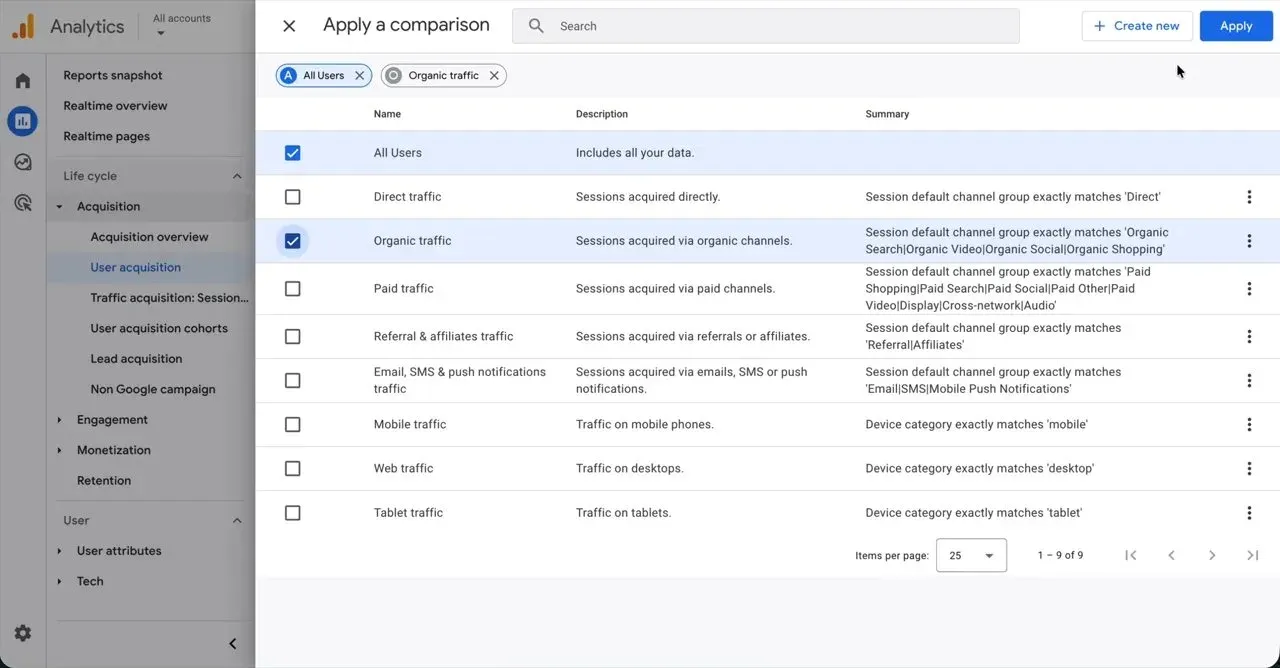
Click Apply in the upper right corner of the comparison panel, closing the panel and reloading the report with the new comparison applied.
Click the dimension dropdown button showing First user prim... Group in the table header of the report, displaying a selection menu below the button.
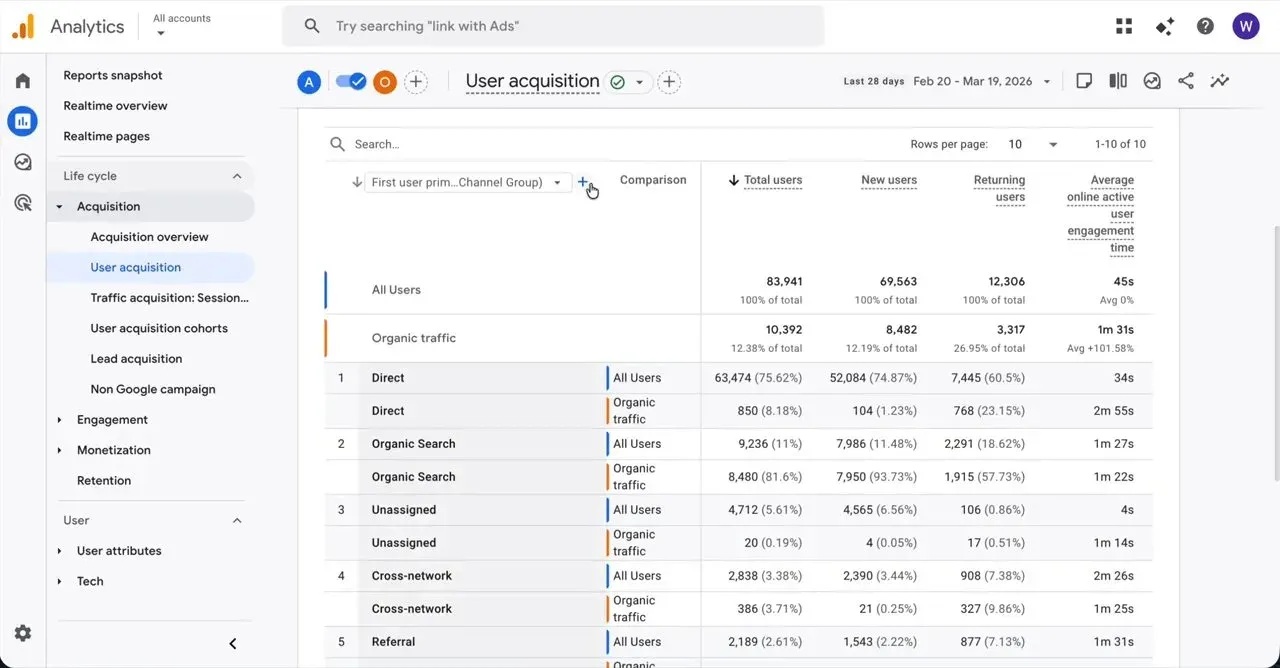
Hover over Geography in the dropdown menu to expand a sub-menu to the right showing geographic sub-categories.
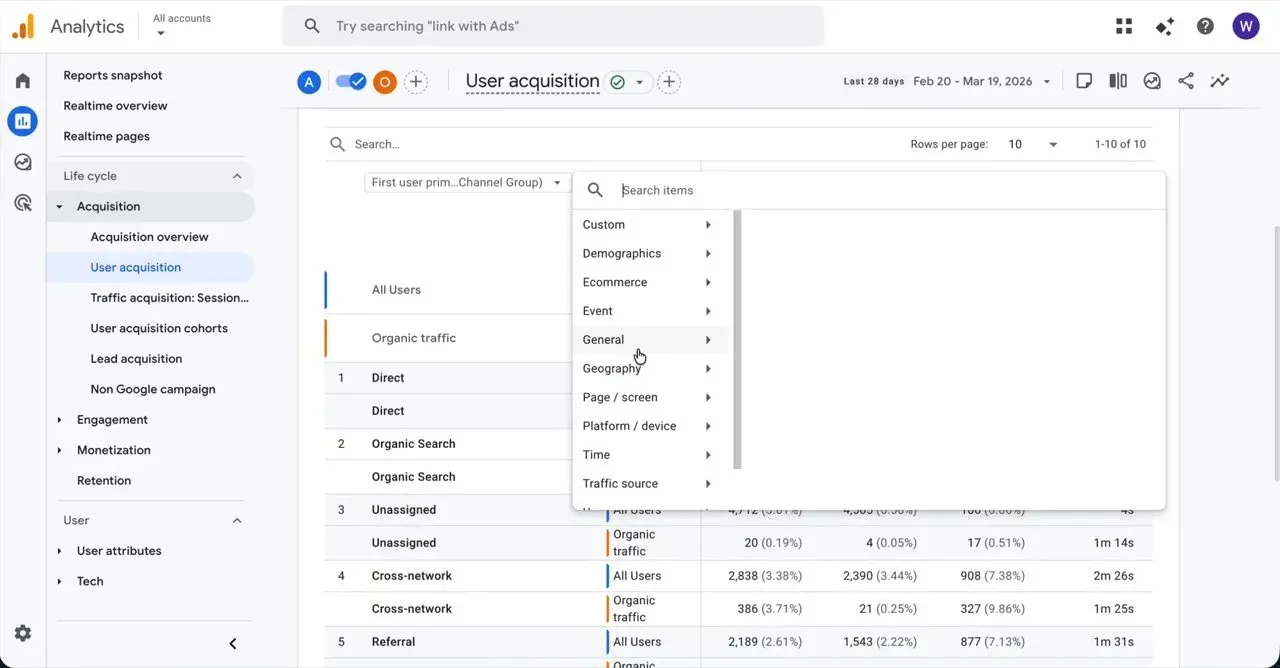
Click Country in the Geography submenu, closing the menu and updating the report table to show country data.
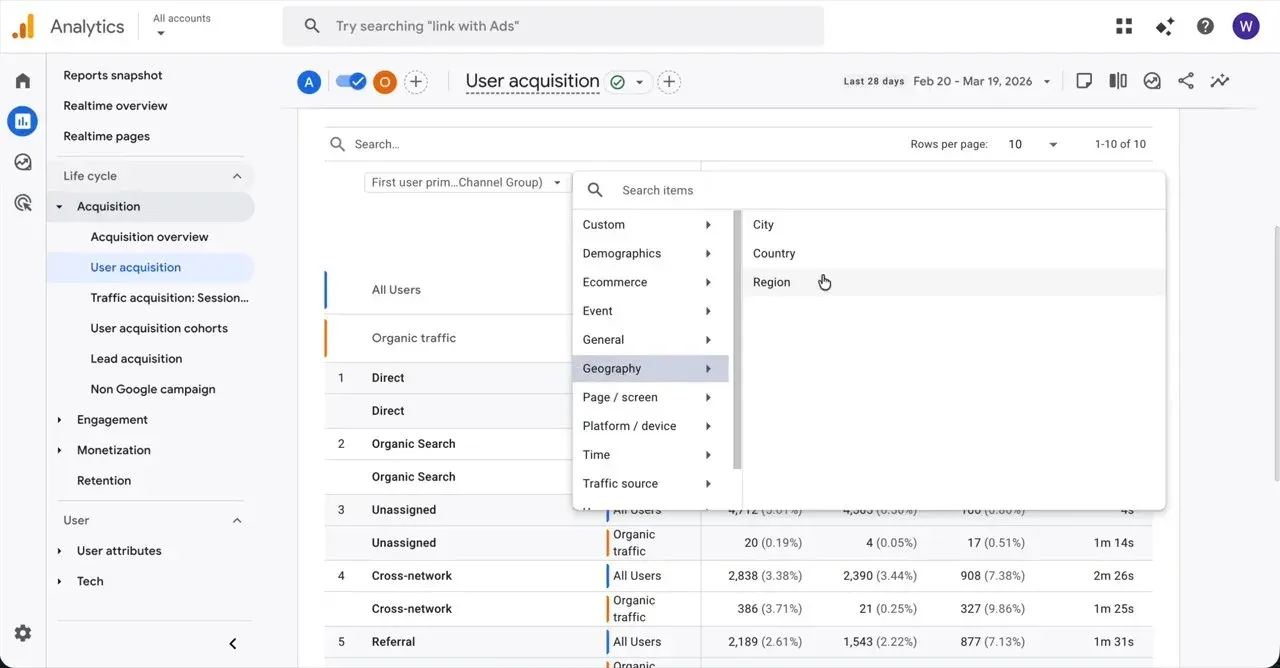
Click the Share report icon in the top right toolbar to open a sharing menu with options to copy the link.
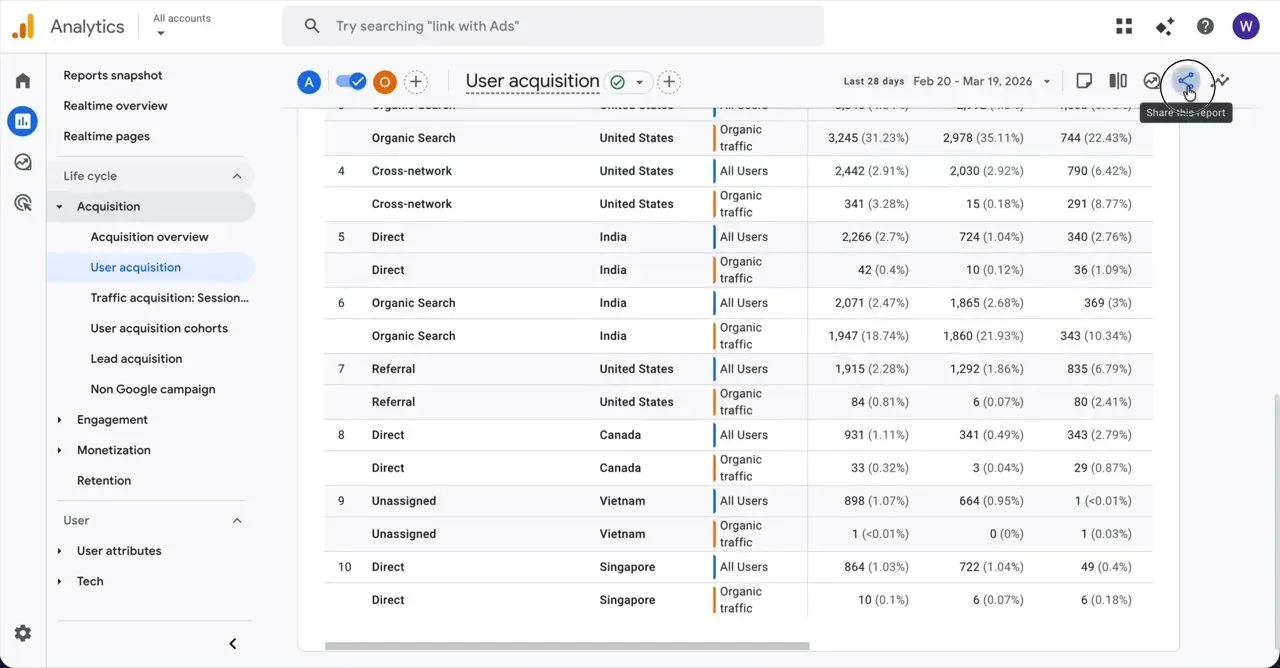
Click Share Link in the sharing menu, expanding the panel to show the URL and a copy button.
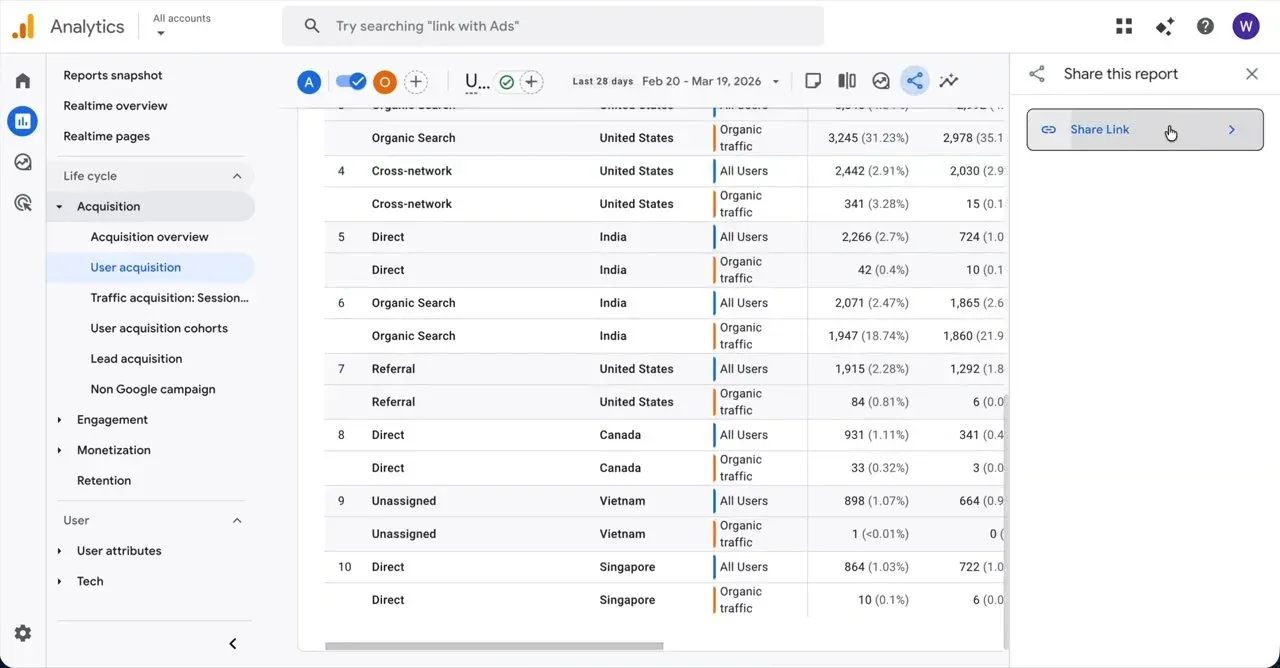
Click Copy link in the Share link panel to display a confirmation notification at the bottom of the screen stating the link was copied to the clipboard.