
A Word or PDF procedure, a policy, slides, a recording, or your notes.
Sign up or sign in, and your file is waiting with Slides switched on.
Press Generate for a deck to edit, present, or download as PowerPoint or PDF.
Made by Wikidoc on the Free plan from a one-page Word document: a small homewares shop’s customer refund procedure. Here are 8 of its 13 slides. The same procedure made the quiz and the training video. It’s also the flowchart page’s refund example.

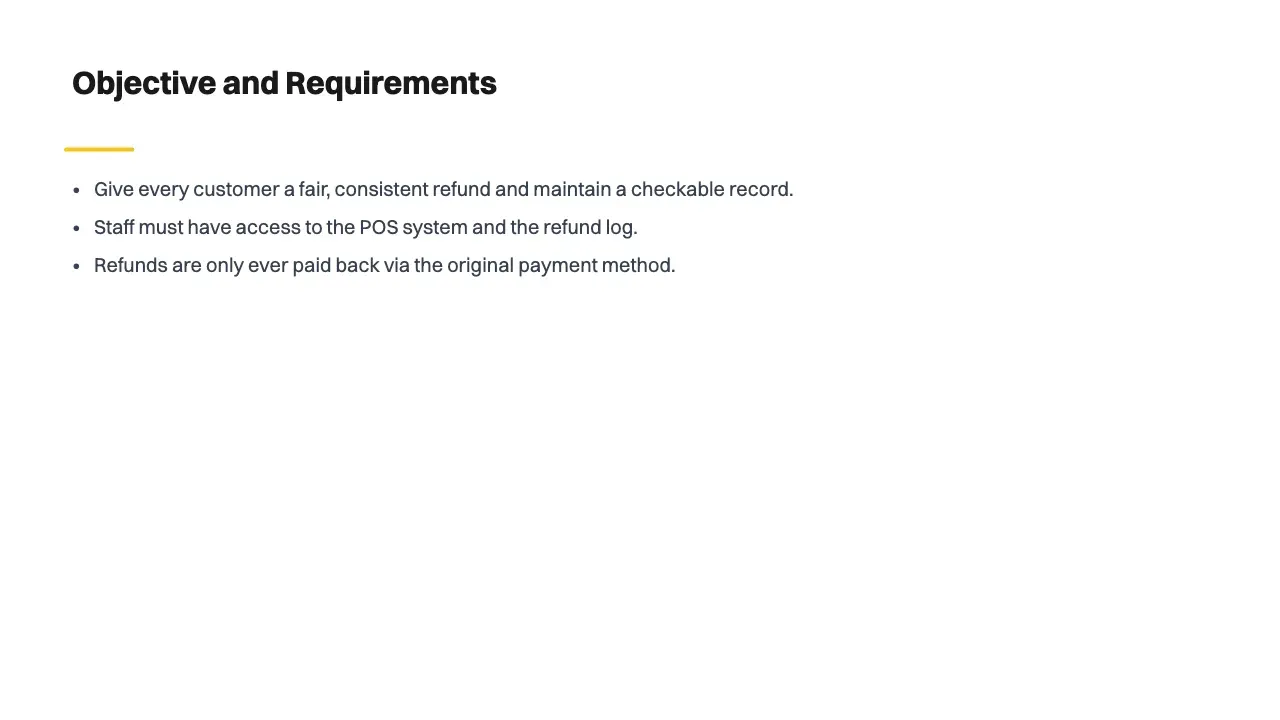
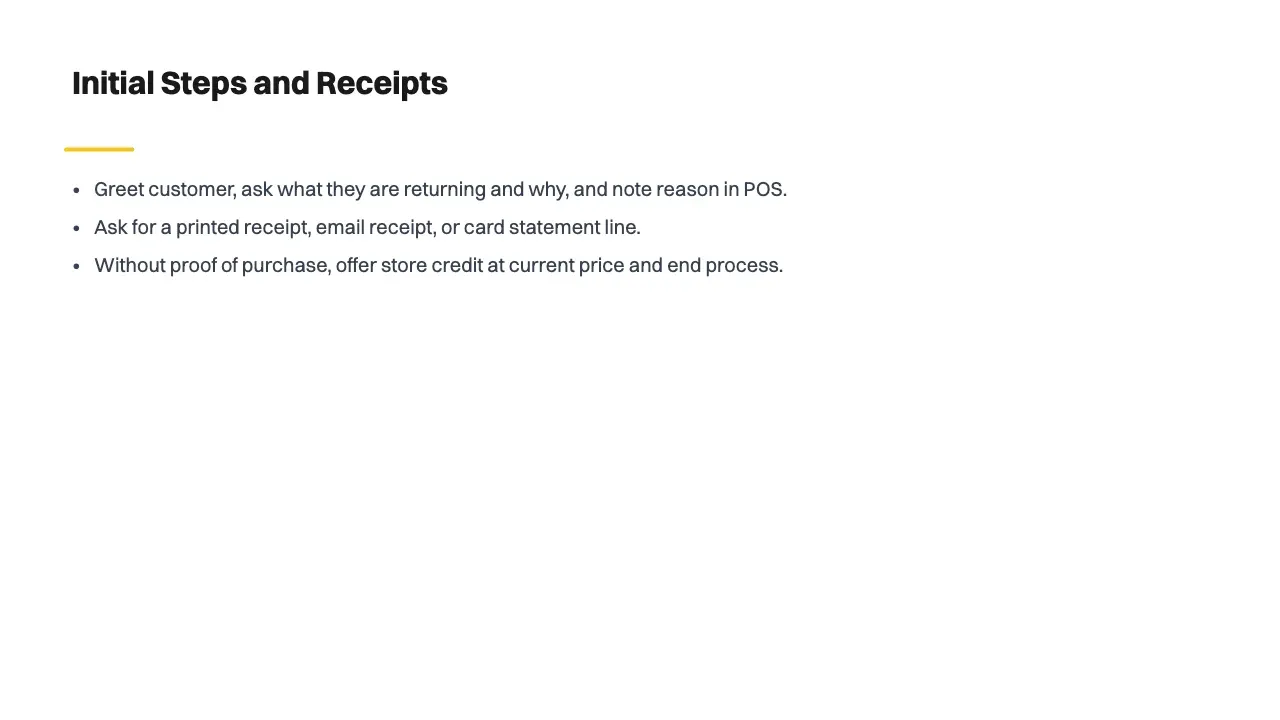
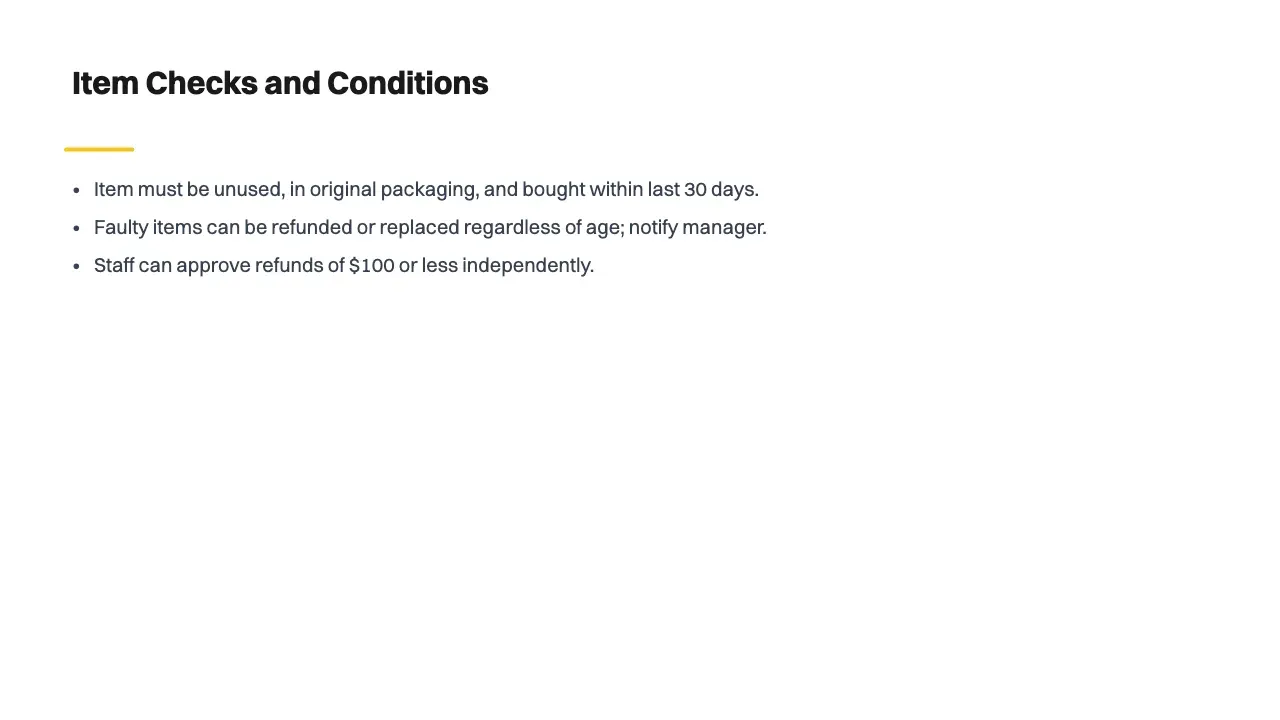
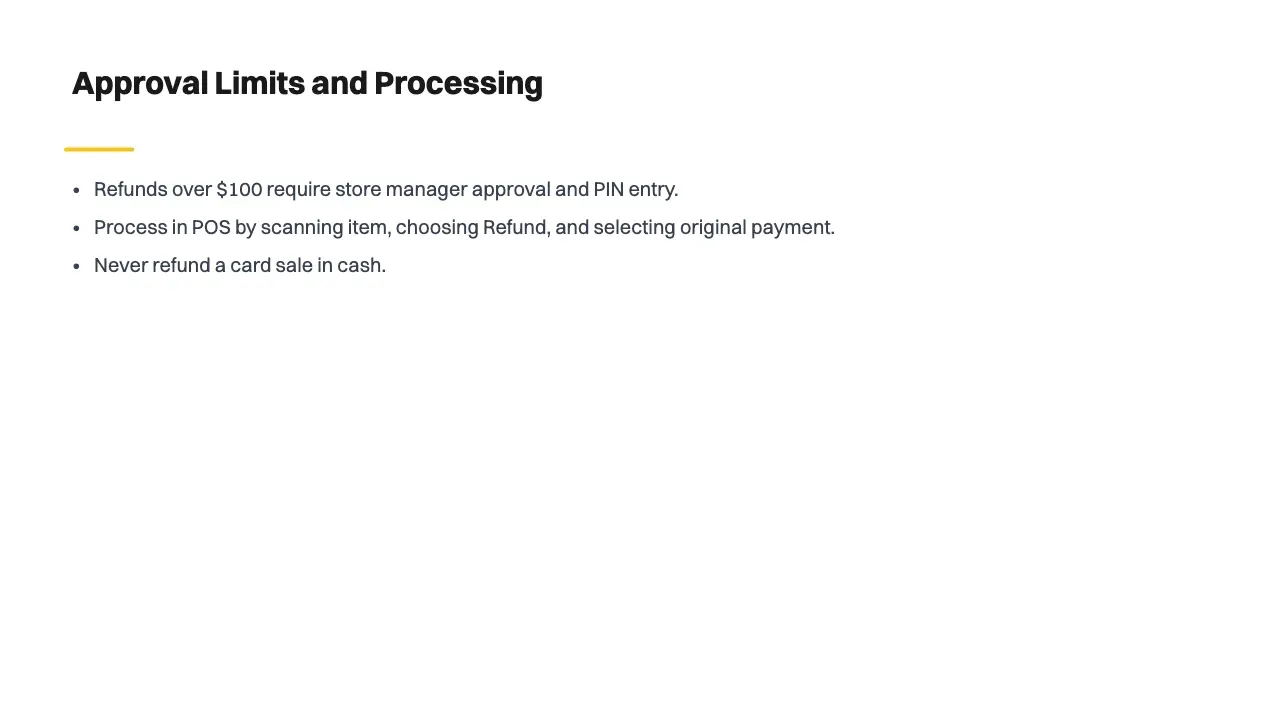
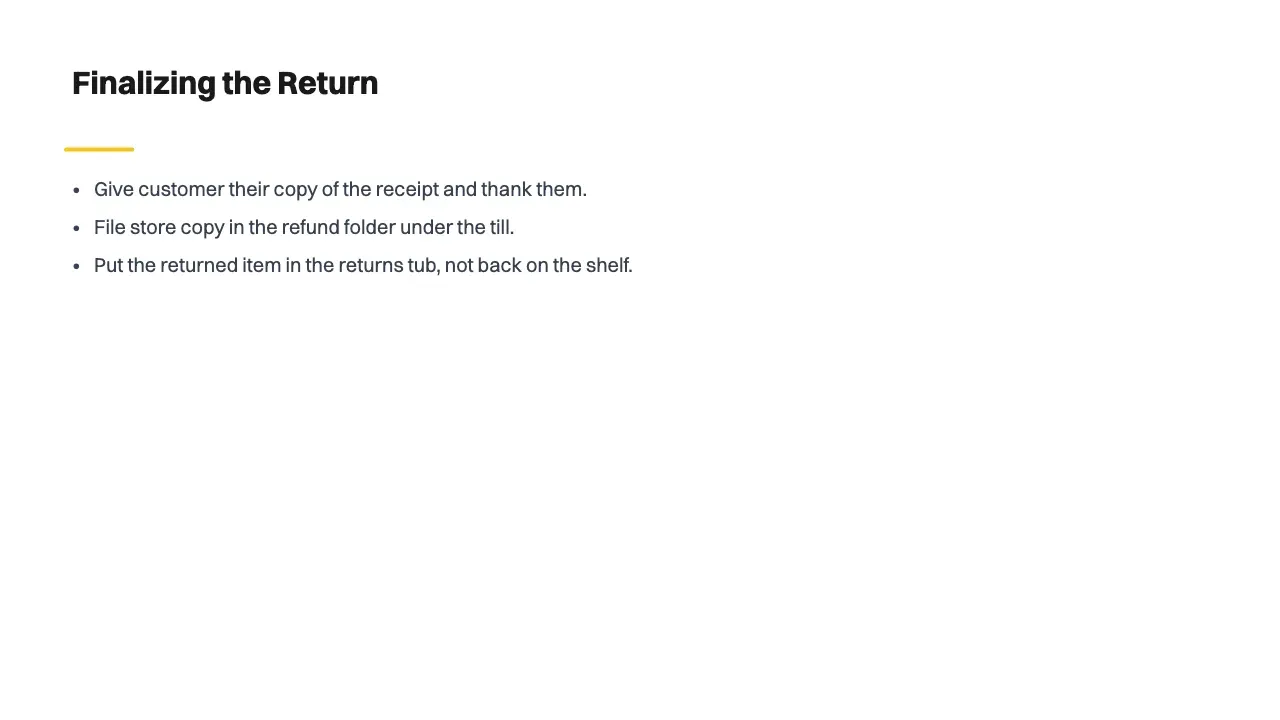
Applies to: all store assistants and store managers at Harbour Lane Homewares.
Purpose: to give every customer a fair, consistent refund, and to keep a record the shop can check later.
You'll need access to the point-of-sale (POS) system and the refund log. A refund is only ever paid back the way the customer paid: to the same card, or in cash for a cash sale.
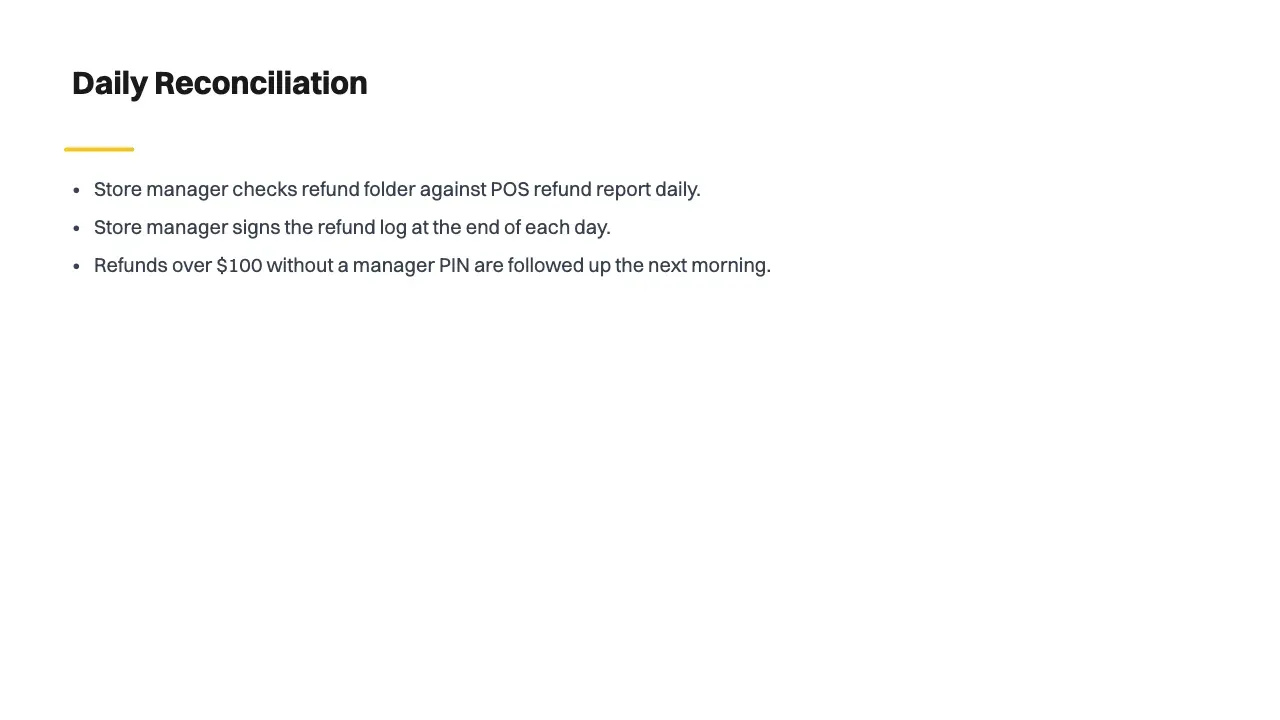
The store manager checks the refund folder against the POS refund report, and signs the refund log. Any refund over $100 without a manager's PIN is followed up the next morning.
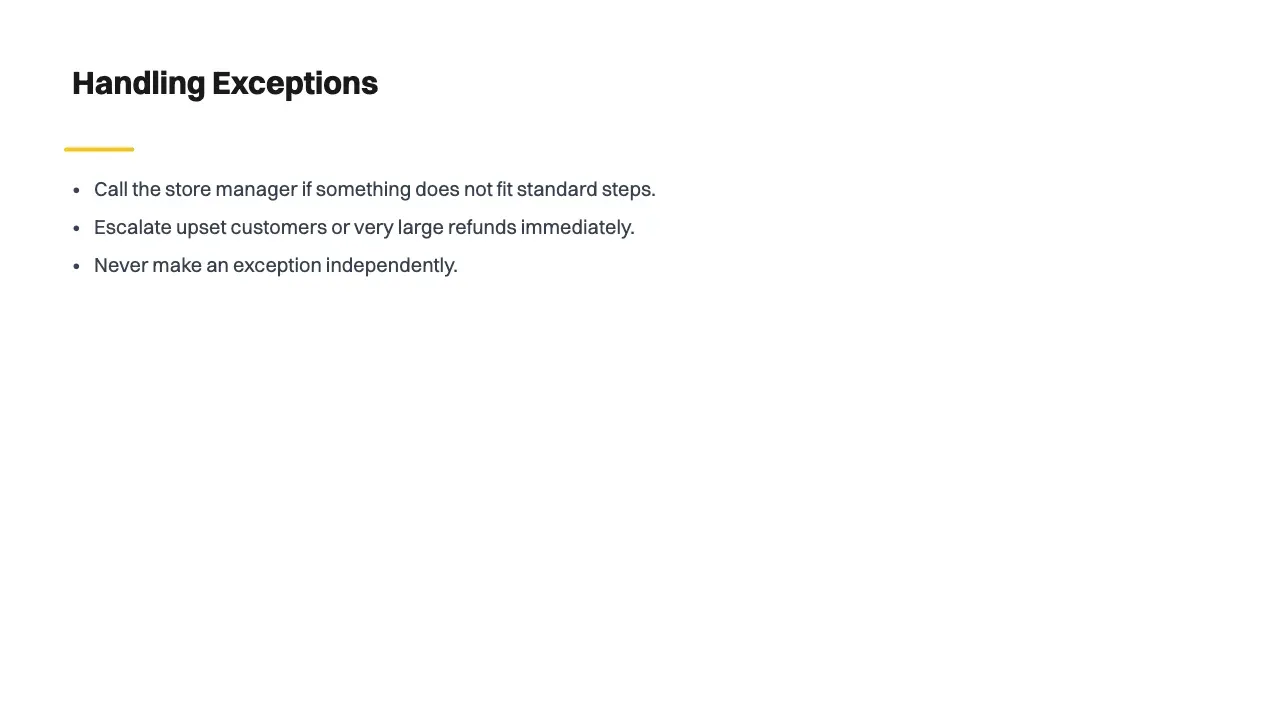
If something doesn't fit these steps, such as a customer who is upset or a very large refund, call the store manager. Don't make an exception on your own.

Yes, with a free Wikidoc account. The Free plan includes 3 slide decks, and paid plans make as many as you need.
Yes, a free one. Generate slides opens Wikidoc in a new window, where you sign up or sign in, and your file or notes are waiting there. Wikidoc works on a laptop or desktop computer.
It doesn’t leave your browser until you’ve signed in to Wikidoc. Then it goes straight into your Wikidoc account, like any file you add there, and it’s kept as the source. Nothing is sent to Wikidoc from this page.
A Word or PDF document, PowerPoint slides, an Excel or CSV spreadsheet, a screen recording (MP4, WebM or MOV), an audio recording (MP3, M4A or WAV), a WebP image, or pasted notes. On the Free plan, that’s one file for each deck: documents up to 10 MB, and audio and video up to 250 MB.
Yes. Download the deck as a PowerPoint file, a PDF or images, on every plan.
The deck is written in English. In Wikidoc you can translate it, into 5 languages on the Free plan and more on paid plans.
When you need a pitch or sales deck with designed visuals, or a deck that’s mostly pictures, such as a product lookbook. It writes training decks, only from what you add, not from general knowledge.
Yes, every word. Choose a theme for the whole deck, and change any slide’s layout, text and pictures in Wikidoc’s slide editor. Each slide notes which part of your source it came from, so you can check it. Every AI draft needs a human read-through before your team relies on it.


