
A screen recording of one task, a Word or PDF procedure, slides, or your notes pasted in.
Sign up or sign in, and your file is waiting with Video switched on.
Wikidoc writes a script, narrates it with an AI voice and adds captions.
Made by Wikidoc from a one-page Word document, a small homewares shop’s customer refund procedure, in the Scenario style, on the Team plan. It’s 2:37 long, and its full narration is below. The same procedure made the slides and the quiz. For an example made from a screen recording, see the SOP generator.
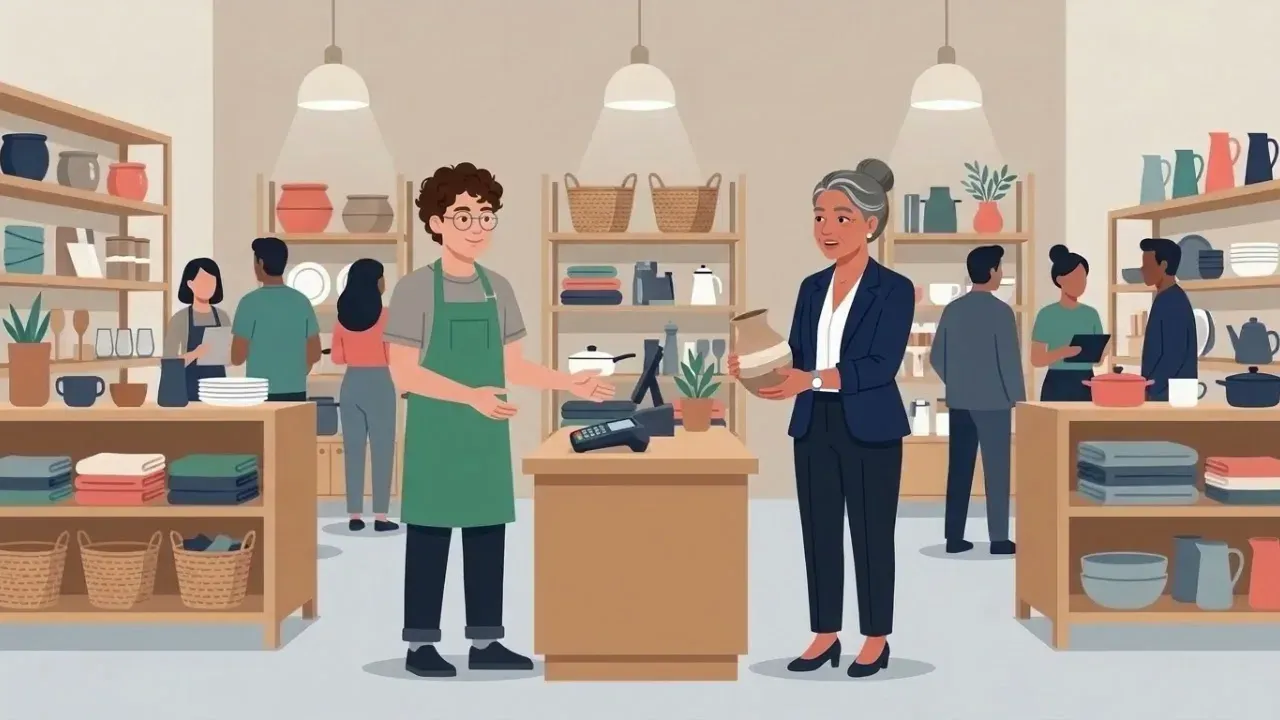
Applies to: all store assistants and store managers at Harbour Lane Homewares.
Purpose: to give every customer a fair, consistent refund, and to keep a record the shop can check later.
You'll need access to the point-of-sale (POS) system and the refund log. A refund is only ever paid back the way the customer paid: to the same card, or in cash for a cash sale.
The store manager checks the refund folder against the POS refund report, and signs the refund log. Any refund over $100 without a manager's PIN is followed up the next morning.
If something doesn't fit these steps, such as a customer who is upset or a very large refund, call the store manager. Don't make an exception on your own.

Yes, with a free Wikidoc account. The Free plan includes 3 videos of up to 3 minutes each, and paid plans make longer videos, up to 10 minutes.
Yes, a free one. Generate video opens Wikidoc in a new window, where you sign up or sign in, and your file or notes are waiting there. Wikidoc works on a laptop or desktop computer.
No. The video is an AI voice narrating over your screen recording, or over slides made from your document, with captions. Nobody appears on camera.
3 AI voices on the Free plan, and 10 on paid plans. You can preview each one before you generate.
Up to 3 minutes on the Free plan, and up to 10 minutes on paid plans. A tutorial over a screen recording follows the length of the recording.
Yes, with no watermark. Export the video from Wikidoc as an MP4 file, at up to 720p on the Free plan and up to 4K on paid plans, or share it with your team inside Wikidoc as part of a training module.
When you need a marketing or promotional video: it makes training. For hands-on tasks, such as cleaning a machine, film it yourself, or describe the task in a document and make a Narrated slides video.
Yes. Every scene’s narration, on-screen text and timing can be edited in Wikidoc’s video editor, and the voice is made again for the scenes you change. Every AI draft needs a human read-through before your team relies on it.


