
Get a form approved
Ask an Admin or Manager to approve a form before it goes live, answer their feedback, and approve or reject forms you're asked to check.
A form goes live only once someone other than its owner has checked it. Admins can publish their own forms without approval.
Ask for approval
Section titled “Ask for approval”-
Open your form in the builder and click Request approval. For a live form you’ve changed, click Publish changes….
-
Choose one or more Approvers. They must be Admins or Managers, and can’t be you. Add an optional note, such as what to check.
-
Click Request approval. Each approver gets an email and a row on Home.
While the form is Pending, it’s locked: you can read it but not change it. If your organisation has no other Admins or Managers yet, someone else has to join before your form can be approved.
Answer feedback
Section titled “Answer feedback”Approvers can leave comments on the form. You’ll find them under Feedback in the builder, and you can reply there.
To make changes, click Withdraw request, edit the form, and ask for approval again. You can choose different approvers then.
Approve or reject a form
Section titled “Approve or reject a form”-
Open the request from your email, from Home, or from People›Form under To review › Forms to approve.
-
Read the form. For a live form, you’re shown the changes waiting for your approval.
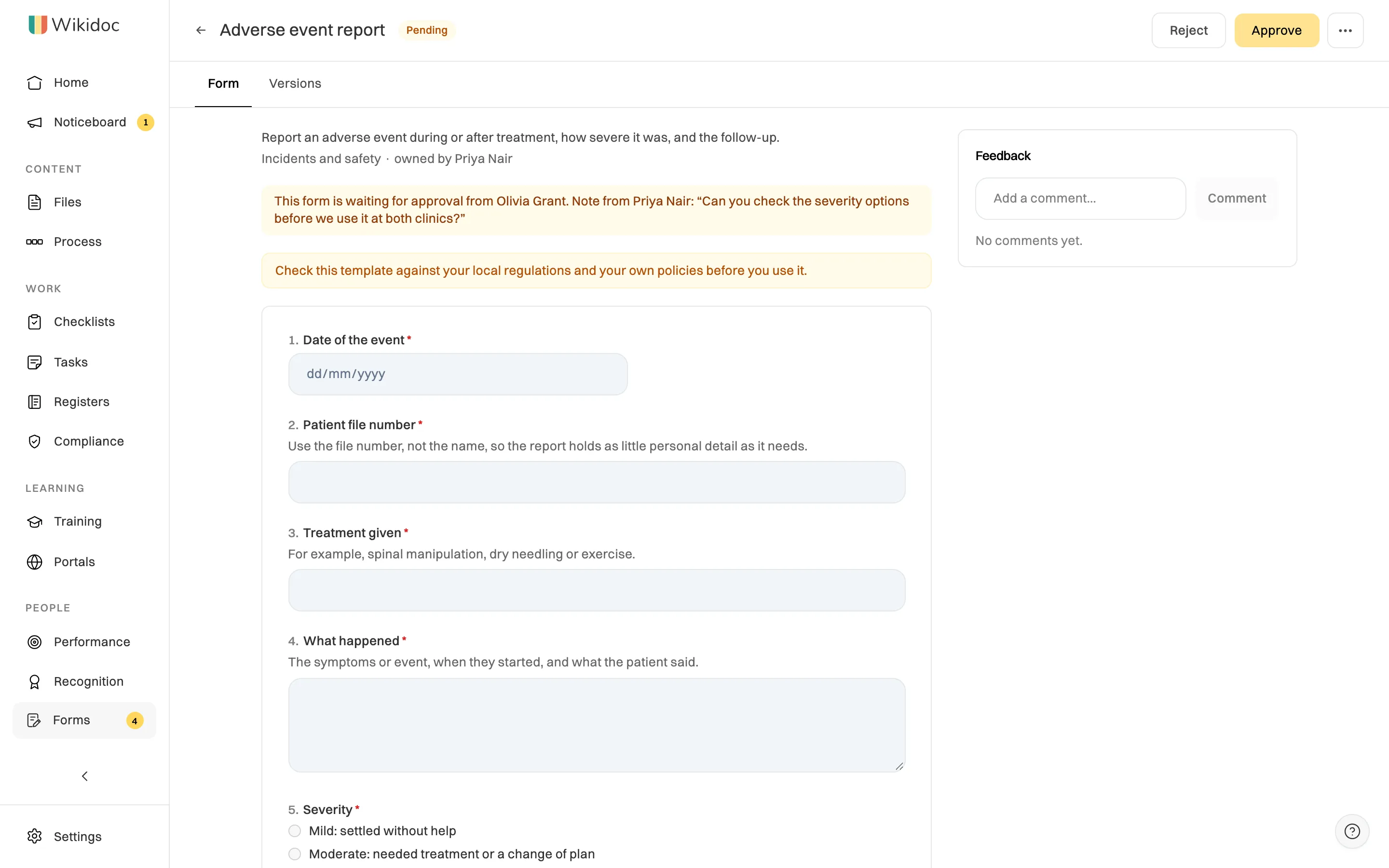
Any one approver can decide. -
Click Approve to put it live, or Reject and say what needs to change. A rejected form goes back to Draft, and its owner sees a row on Home asking them to update it.
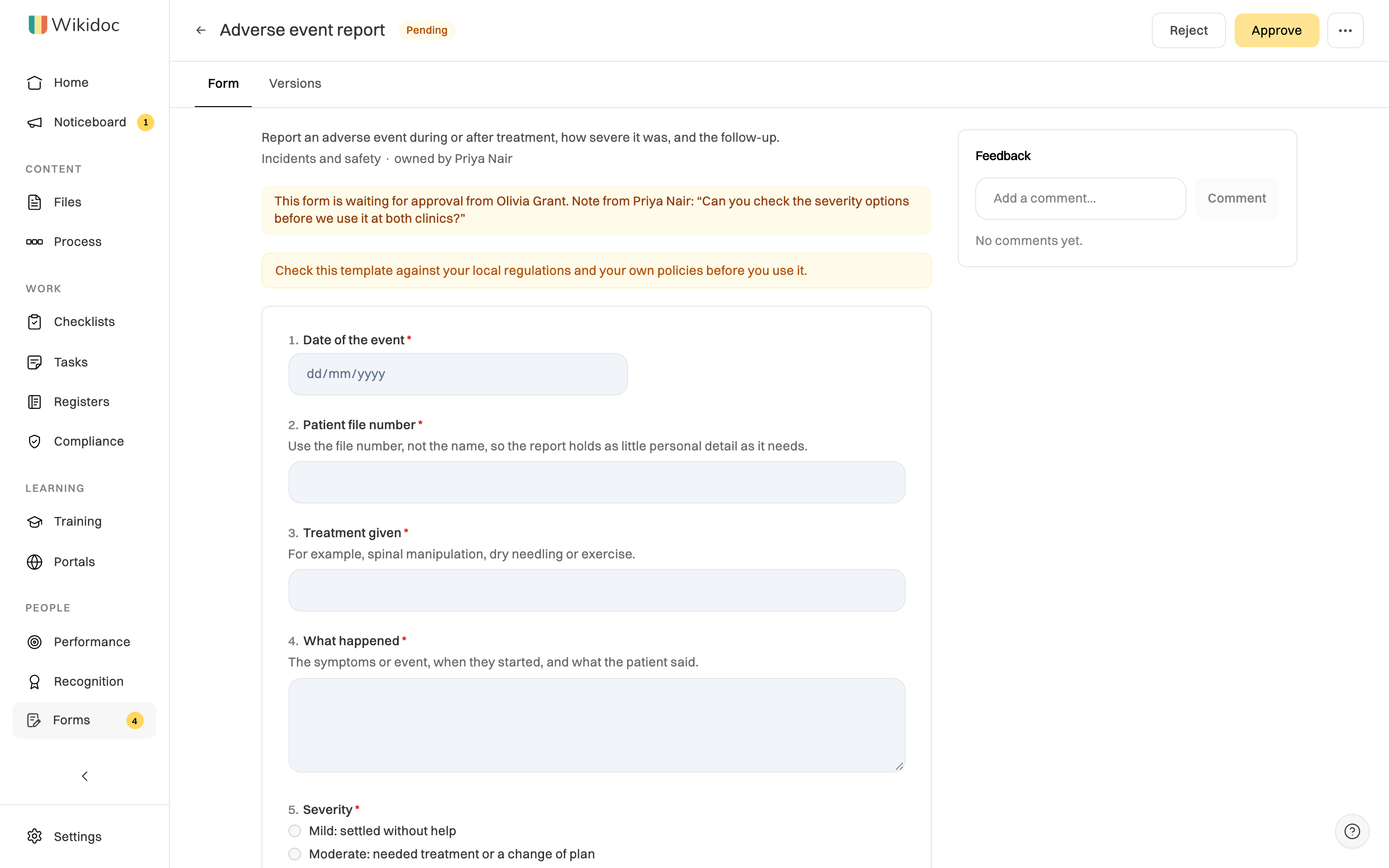
Any one of the chosen approvers can decide. Once one has, the request closes for the others.
Why nobody else can approve it
Section titled “Why nobody else can approve it”Only the approvers the owner chose can decide a form, not other Admins. That way, the people who know what the form is for are the ones who check it.
When an approver has left
Section titled “When an approver has left”If every approver you chose leaves or is no longer an Admin or Manager, you’ll see Choose another approver on Home. Withdraw the request and ask again, choosing someone else.
If the form’s owner has left, an Admin transfers the form to a new owner, who asks for approval again.
Publish without approval (Admins)
Section titled “Publish without approval (Admins)”Admins can click Publish (or Publish changes) on their own form to put it live straight away. Wikidoc runs the same checks, withdraws any open approval request, and records the publish in the form’s history. Managers always need approval.