
Run a checklist once per job or new hire
Start a named, dated run of a checklist whenever there's a job, an inspection or a new hire, with each task due on its day.
Some lists aren’t due on a schedule. A new hire’s onboarding, a property inspection or a job completion check happens when there’s a new hire, a property or a job. A checklist set to When needed has no schedule: you start a run each time, name it after the person, the place or the job, and date it.
Set up the checklist
Section titled “Set up the checklist”Either:
- In the template library, pick a list for one-off work, such as New hire onboarding checklist. Its checklists are Started when needed.
- Or create a checklist and set Cadence to When needed. See Build a checklist template.
Each task can have a Due day, counted in days from the run’s start date: 0 is the start date, 1 the next day and -1 the day before. Add Due wording, such as “Day 1” or “Week 2”, to say when in words. A task can have wording with no due day, such as “Last day”.
Start a run
Section titled “Start a run”-
Click Checklist in the sidebar. Under Start when needed on My checklists, click Start a run next to the checklist. On the Templates tab, Start a run is next to it too.
-
Give the run a Name, such as the new hire’s name or the property’s address, so it’s easy to find later.
-
Check the Start date, and add a Due date if the whole run has one.
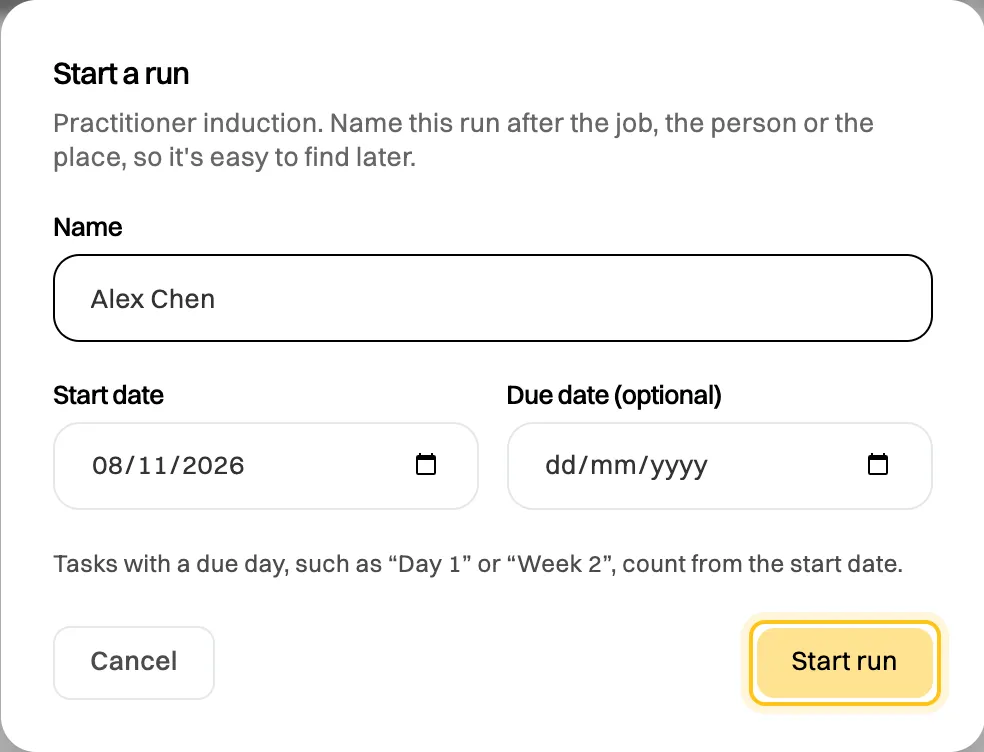
Tasks with a due day count from the start date. -
Click Start run.
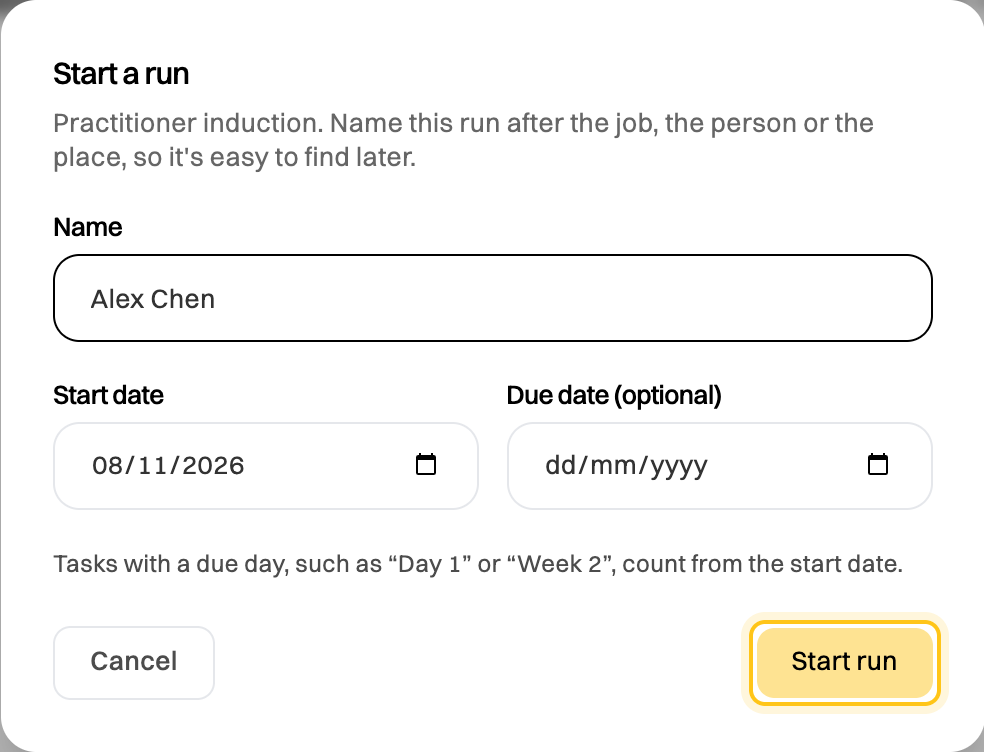
The run opens straight away. Each task with a due day shows its date and wording, such as “Due Thu 12 Nov (Week 1)”, and is marked overdue if it’s still unticked after that day. The run appears on the calendar on its due date, or its start date if it has none.
Fill it in, submit it and have it signed off like any checklist. See Run a checklist and review its history. You can start as many runs as you need, such as one for each new hire, and each is kept in the checklist’s history under its name.
If something goes wrong
Section titled “If something goes wrong”“The due date is before the start date.” Pick a due date on or after the start date.
I don’t see Start a run. The checklist has assignees and you aren’t one of them, or it’s archived. Ask whoever manages it to add you.