Report an issue
Something went wrong or was found wrong? Report it in Compliance or straight from a checklist, and its owner works out the fix.
An issue is something that went wrong or was found wrong: a failed check, a reading out of range, a missed log, an inspector’s finding or a complaint. Anyone in your organisation can report one, including Viewers. You say what happened; the person who owns it works out the fix, and someone else checks it worked.
Report it from a checklist
Section titled “Report it from a checklist”If a task on a checklist fails, or a reading is out of range, report it from the task itself: the issue records which checklist, run and task it came from, and is linked to the obligations that checklist meets.
-
On the run, click Report an issue next to the task.
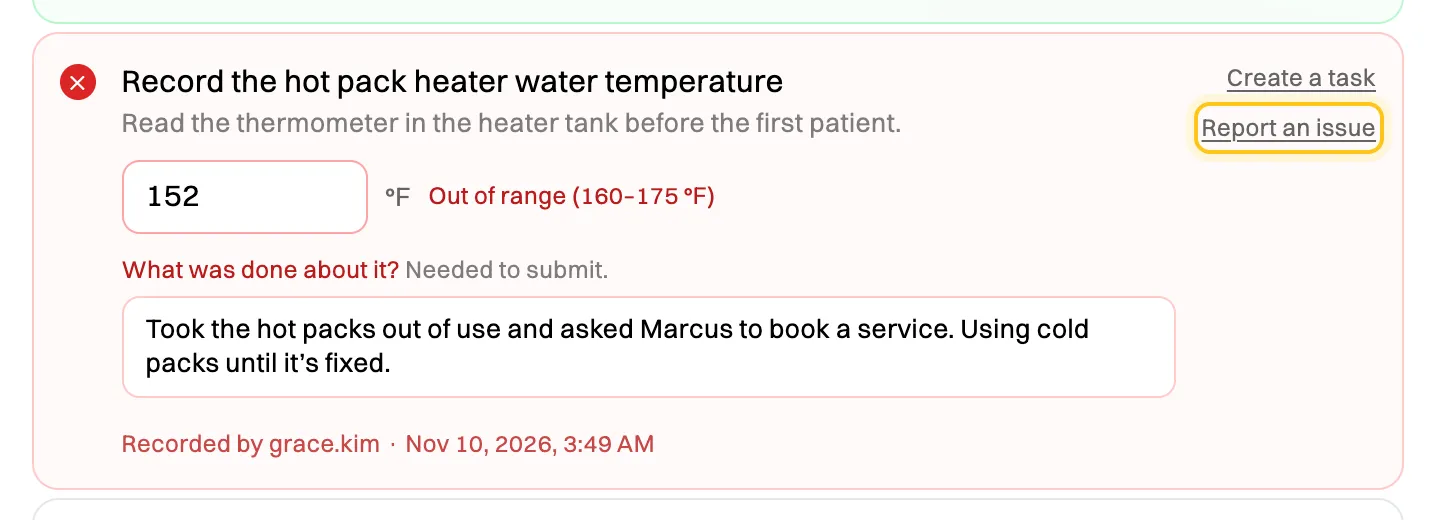
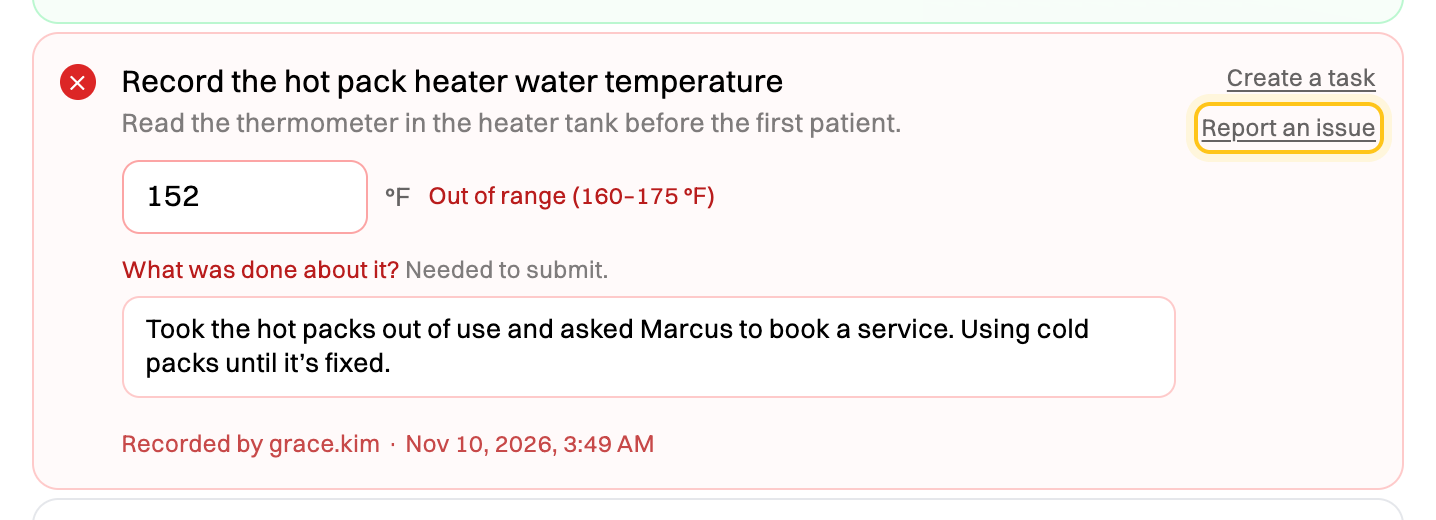
Report an issue from the task that went wrong. -
The task is filled in as What went wrong. Change it to say what you found, add what happened and anything you did straight away, and click Report issue.
Report it by hand
Section titled “Report it by hand”-
Click Compliance in the sidebar, then the Issues tab, and click + Report issue.
-
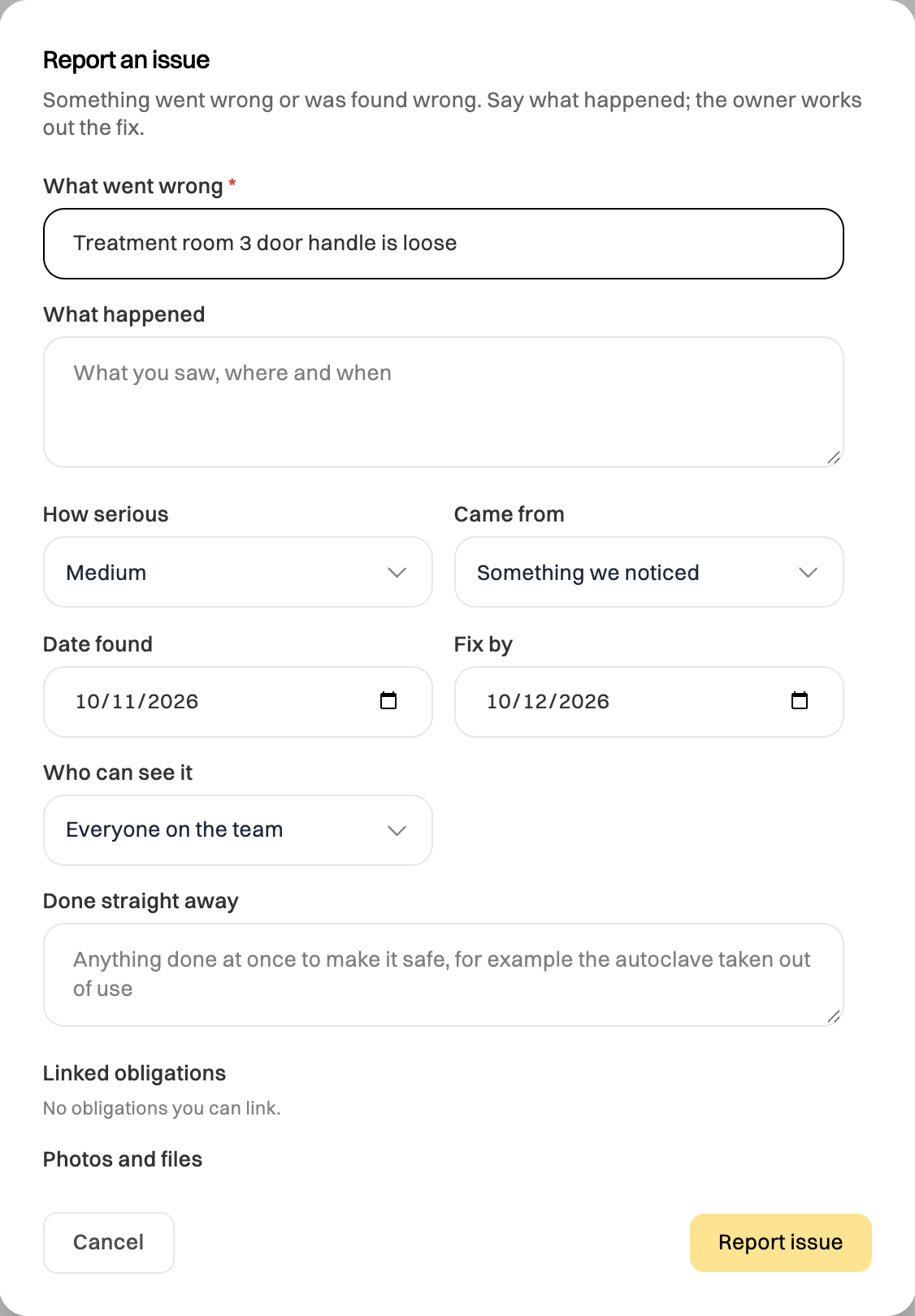
Fill in:
- What went wrong, in a few words, and What happened: what you saw, where and when.
- How serious: Low, Medium, High or Critical. It sets the default Fix by date: 60, 30, 14 or 7 days from the day it was found.
- Came from: something you noticed, an external inspection, an internal audit, a complaint, an incident or something else.
- Done straight away: anything you did at once to make it safe, such as taking equipment out of use.
- Linked obligations: the obligations it affects, from the ones you can see.
- Photos and files: a PDF or image of up to 20 MB each.
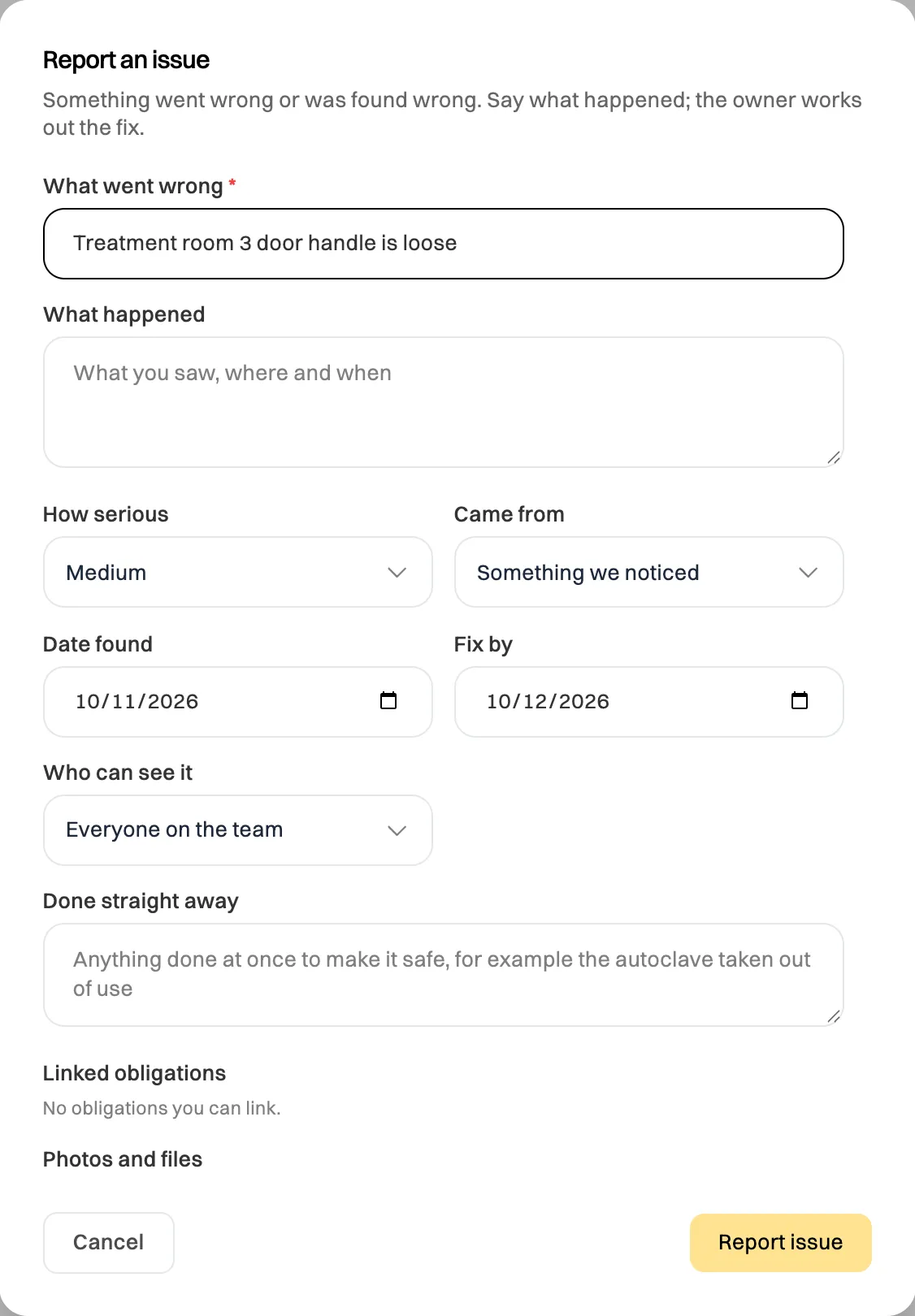
Say what happened. The owner plans the fix. -
For anything sensitive, such as a complaint about a colleague, set Who can see it to Only the people working on it. Admins and Managers see it too.
-
Click Report issue.
What happens next
Section titled “What happens next”Admins and Managers are told by email when an issue is reported with no owner. An Admin or Manager chooses its owner, and the owner looks into it, plans the fix, and does it, or hands the actions to others. When the actions are done, someone other than the owner checks the fix worked. You can follow its progress on the Issues tab.
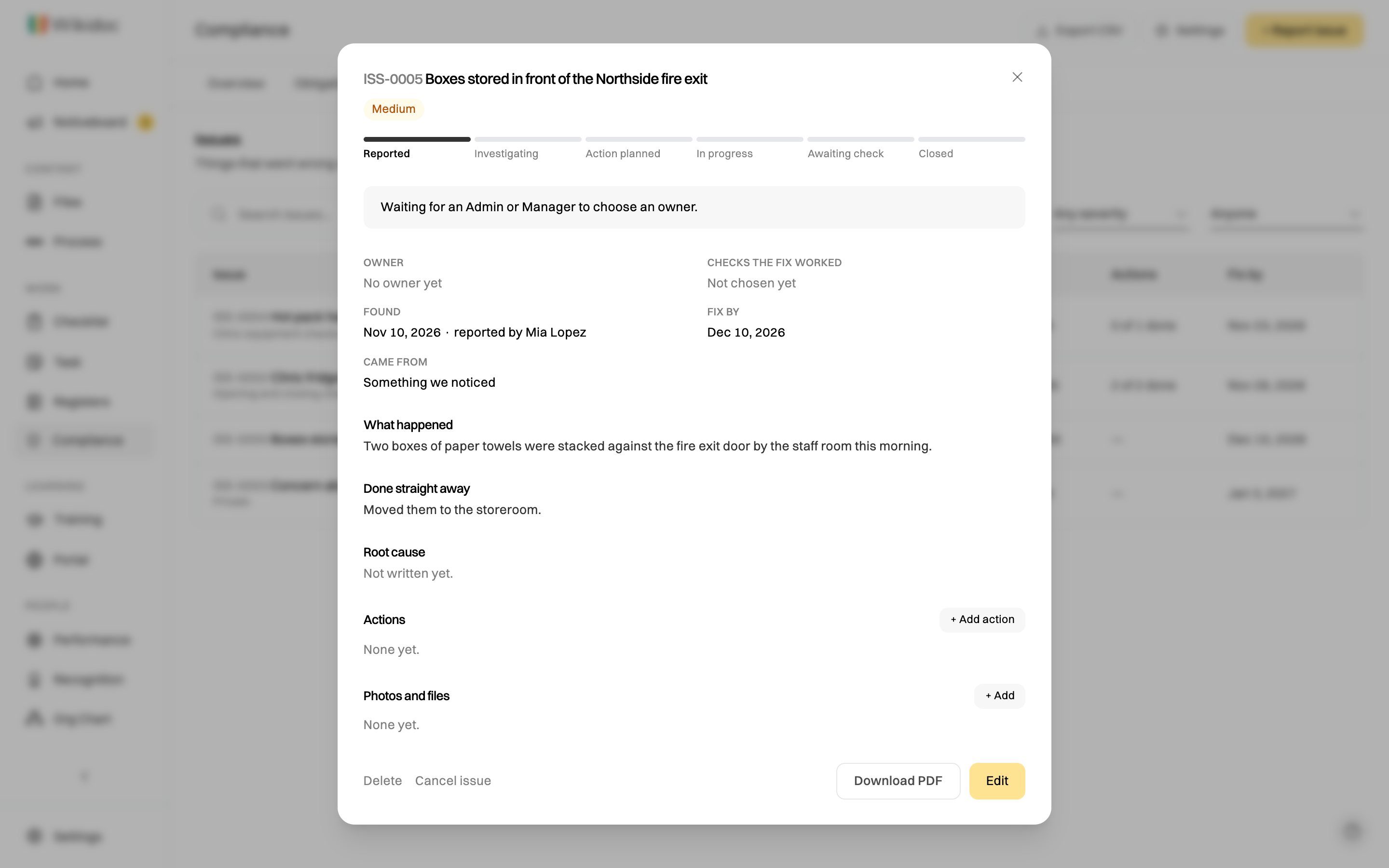
Linked obligations show Gap found until the issue is closed, so a problem is never hidden behind an up-to-date checklist.