
Start a document from a template
Pick a ready-made procedure or document for your industry, and it opens as a new document you can edit.
The document template library has ready-made procedures, such as a sharps injury procedure or a new patient intake procedure, and documents, such as an operations manual or a 30-60-90 day plan, for different industries. A template opens as a new document, with every section, table and step in place, ready to change to fit how your business works.
Use a template
Section titled “Use a template”-
In Files, click Start from a template. You can also click + Create new on Home, then Start from a template, or, in a new document with no files yet, Start from a template under Upload sources.
-
Pick an industry, or General for templates any business can use. You can also search by name.
-
Click a template to preview it.
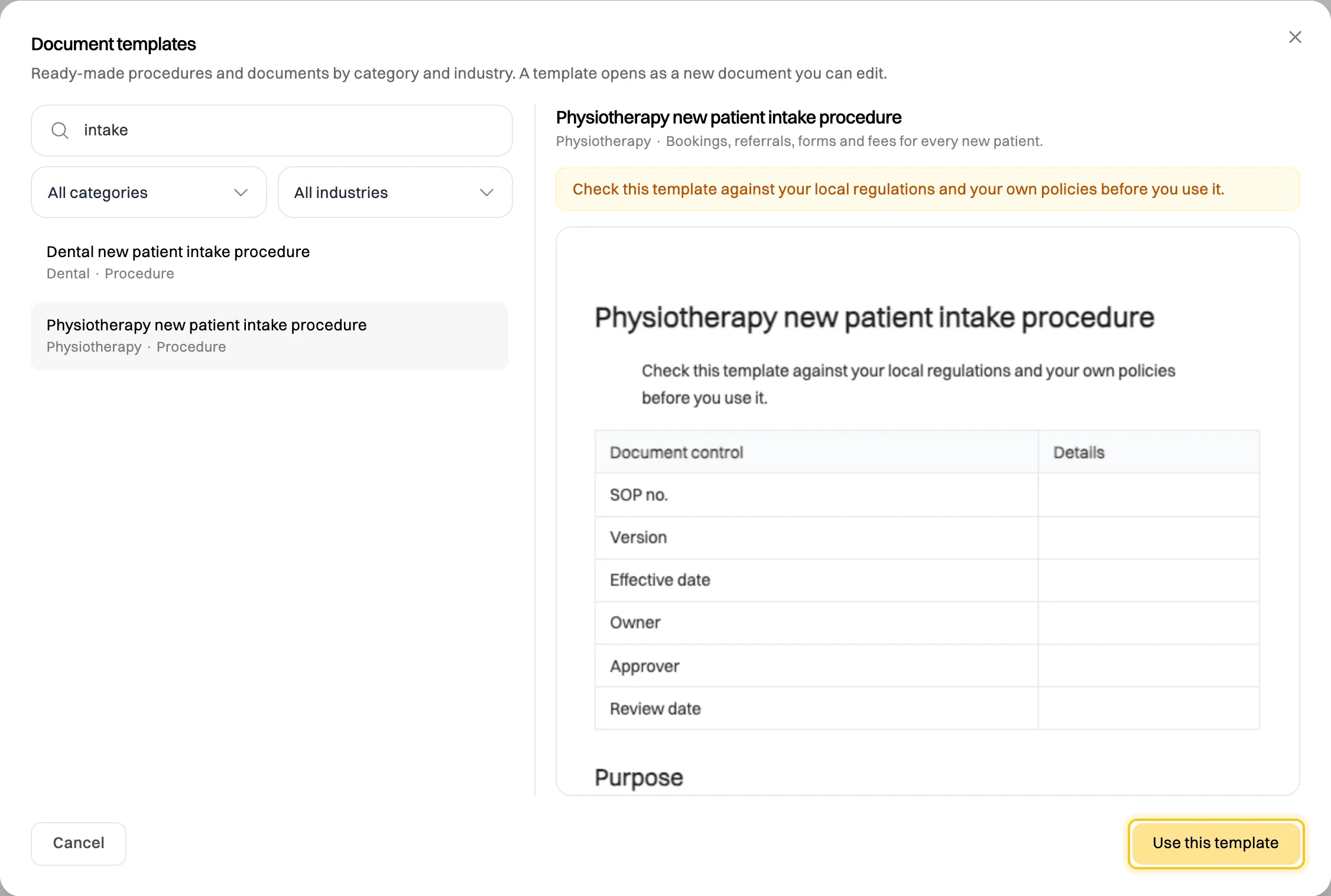
The preview shows the whole document before you create it. -
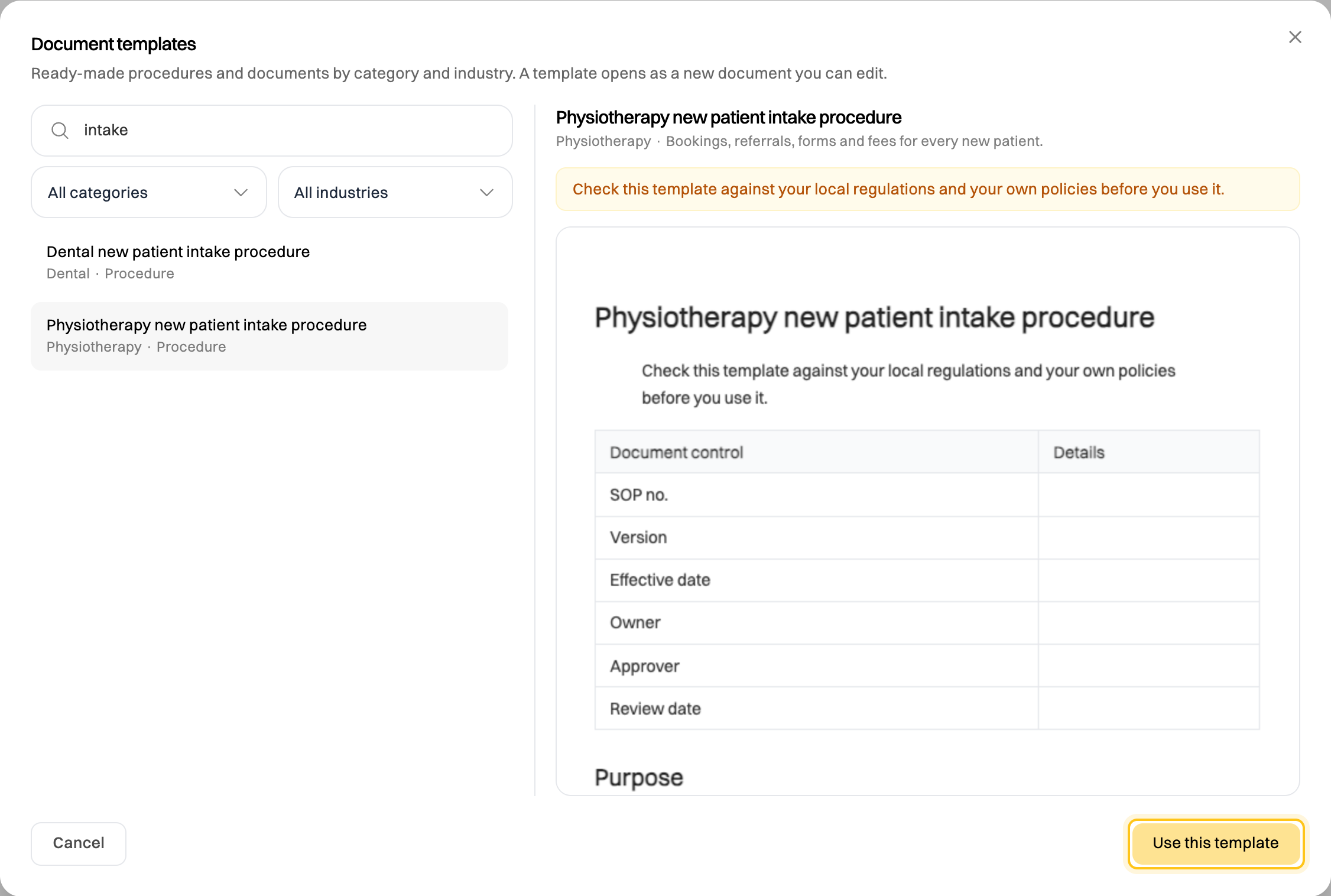
Click Use this template. The new document opens in the editor.
Text highlighted in yellow is guidance: it says what to write in that section. Select it and type over it, and your text replaces it. Guidance you leave stays highlighted, so you can see which sections aren’t finished yet.
Templates for regulated work, such as health care or childcare, are a starting point: check them against the rules where you work, and your own policies.
For the same industry’s checklists, see Build a checklist template.
If something goes wrong
Section titled “If something goes wrong”“The template library could not be loaded.” Check your connection and try again.
I see Upgrade. You’ve used the documents your plan includes. Delete documents you no longer need, or upgrade. See Plans compared.
I don’t see Start from a template. Viewers can’t create documents. Ask an Admin for the Editor role.