
Export a process map
Download a process map as an image, a PDF, Mermaid text or JSON, to use outside Wikidoc.
Export a process map to put it in a presentation, a printed manual or a wiki, or to move it into another diagram tool. Every plan can export.
Anyone who can open a process map can export it, whatever their role, including Viewers.
-
Open the process map and click Export at the top right.
-
Click Download next to a format.
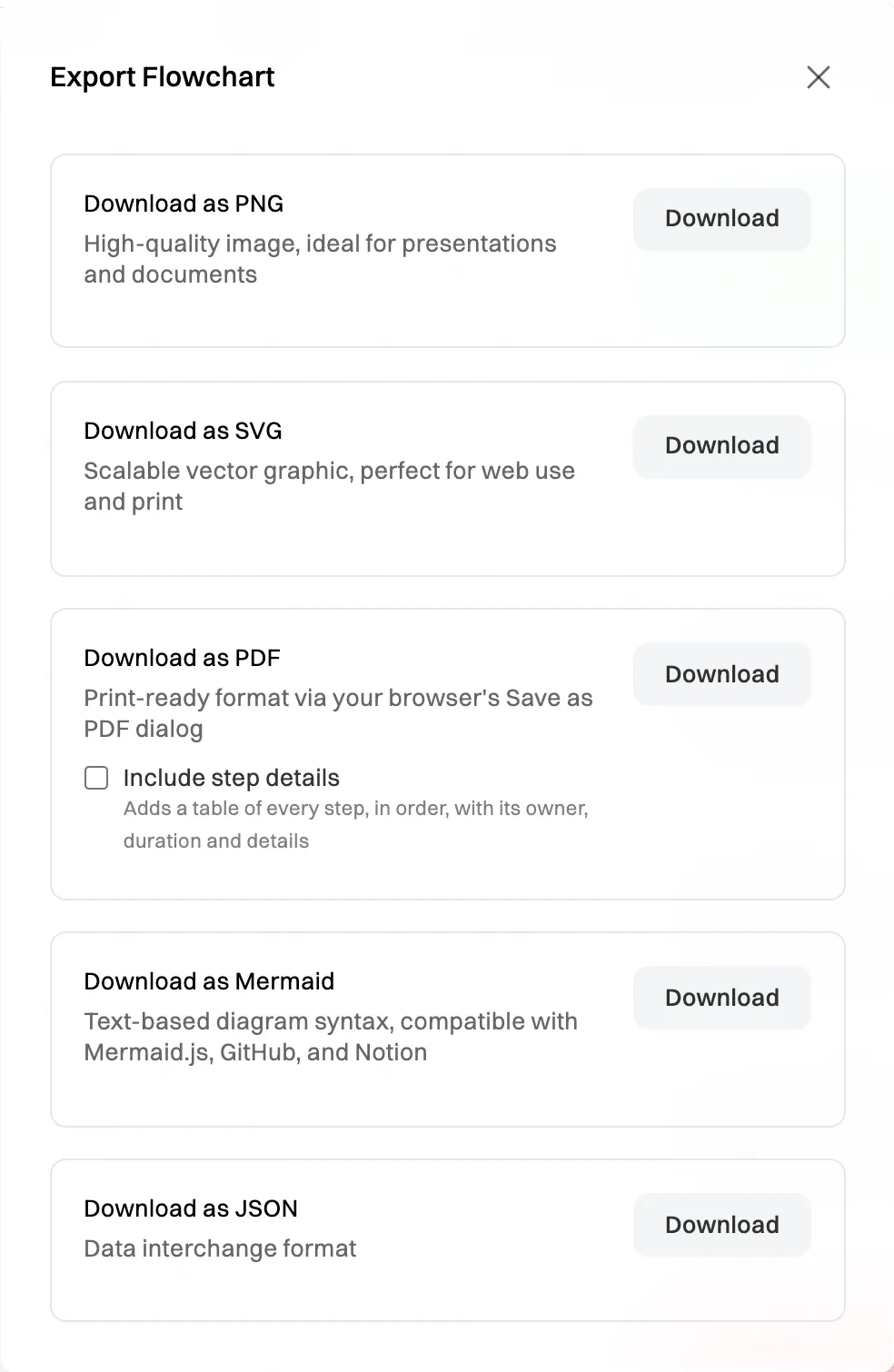
Choose a format to download.
The export is the whole map, however far you’ve zoomed in. If you’re editing the map, it includes changes you haven’t saved yet.
PNG, SVG and PDF show the map as it looks: step pictures, numbers, owners, durations, badges, app logos and the ⓘ that marks a step with details. If you’ve hidden the numbers with Numbers in the editor, the export leaves them out too.
Include the step details
Section titled “Include the step details”Tick Include step details under PDF to add a Step details table on a page of its own: every step, in order, with its number, owner, duration and details. Decisions are listed without a number. A map with written details on its steps then reads as a step-by-step procedure. See Add detail to a step.
Which format to choose
Section titled “Which format to choose”| Format | What you get | Use it to |
|---|---|---|
| PNG | A high-resolution image. | Put it in slides or a document. |
| SVG | A vector image that stays sharp at any size. | Put it on a web page, or print it large. |
| Your browser’s print window opens: choose Save as PDF as the destination. Tick Include step details for a table of every step. | Print it, or send it as a PDF. | |
| Mermaid | The map as Mermaid text (.mmd), with its steps, decisions and line labels. |
Paste it into anything that draws Mermaid diagrams, such as GitHub, Notion or a Markdown page. |
| JSON | The map as data, in Lucidchart’s import format. | Move the map into another diagram tool. |
Mermaid keeps the steps and how they connect, not the look: swimlanes, sticky notes, colours and pictures are left out. JSON leaves out swimlanes and pictures. Neither keeps owners, durations or details. An app step comes out as its app and what’s done there, such as Slack: Post in #ops. For a copy that looks exactly like the map, use PNG, SVG or PDF.