
Export an auditor pack
Download every obligation and control, with each one's status on the day you choose and the evidence behind it, as a PDF or CSV.
When an inspector, an auditor or your insurer asks how you keep up with your obligations, the auditor pack is the answer in one file. It lists every obligation, the controls that meet it, each one’s status on the day you choose, and the evidence behind it: checklist runs, training completions, approved document versions and uploaded files.
Export it
Section titled “Export it”-
Click Compliance in the sidebar, then Auditor pack at the top of the page.
-
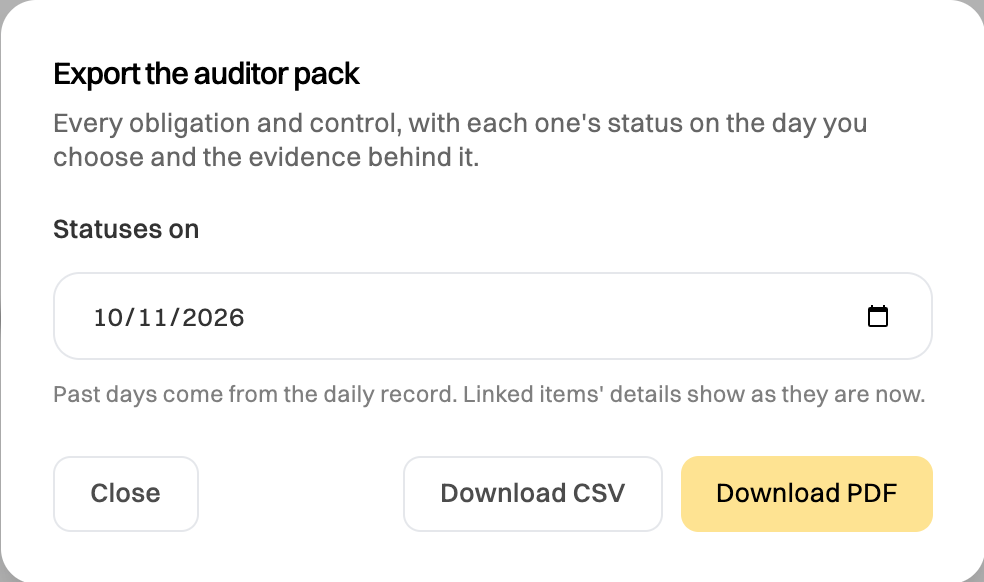
Choose the day under Statuses on. Today shows the statuses as they are now. An earlier day shows them as they were that day, from the record Wikidoc keeps each day, so you can answer “were you up to date on the day of the inspection?”
-
Click Download PDF for a document to hand over, or Download CSV to open in a spreadsheet.
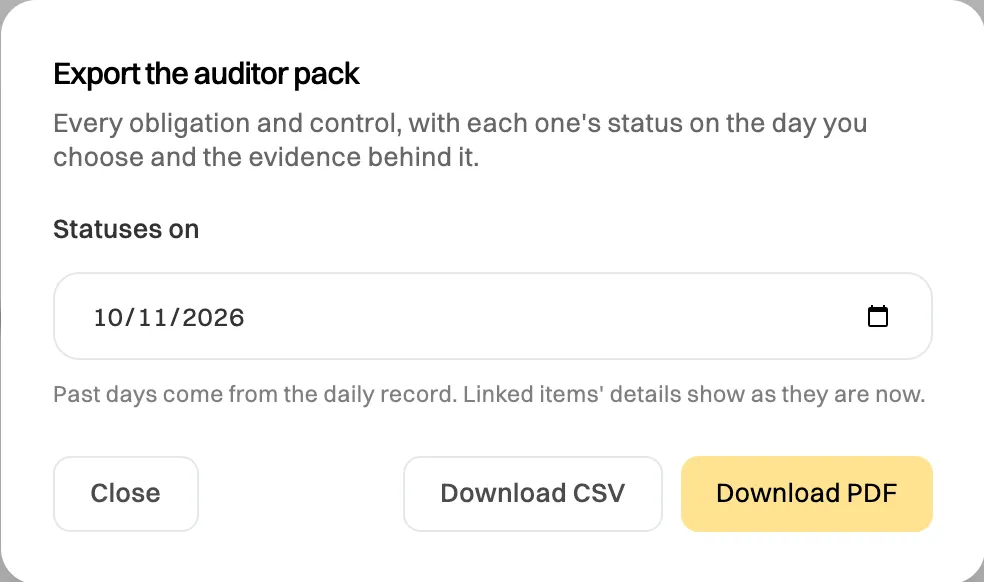
Pick the day the auditor asked about.
What’s in it
Section titled “What’s in it”- Each obligation: its source and reference, its category, its owners and its status on the chosen day.
- Each control under it, with its own status and what that status was based on, such as the runs done in the last 30 days or the date a document was approved.
- The evidence: dates, notes and who added it. Uploaded files are listed by name; open them from the obligation in Wikidoc.
Past days come from the daily record, which starts with the first daily check after Compliance is set up. For a day before that, the pack says so and shows each status as Not recorded rather than guessing. The details of a linked item, such as a checklist’s name, show as they are now.