
Acknowledge a policy
When you're asked to read a policy, read the approved version and confirm by typing your name.
Your organisation may ask you to read a policy and confirm you have, for example when it’s new or when it changes. Your confirmation is recorded against the exact version you read, so there’s a record that you were told about it.
Read and acknowledge
Section titled “Read and acknowledge”-
You’re asked on Home, and in your daily Compliance email, with the date to read it by. Click Read and acknowledge the … to open it.
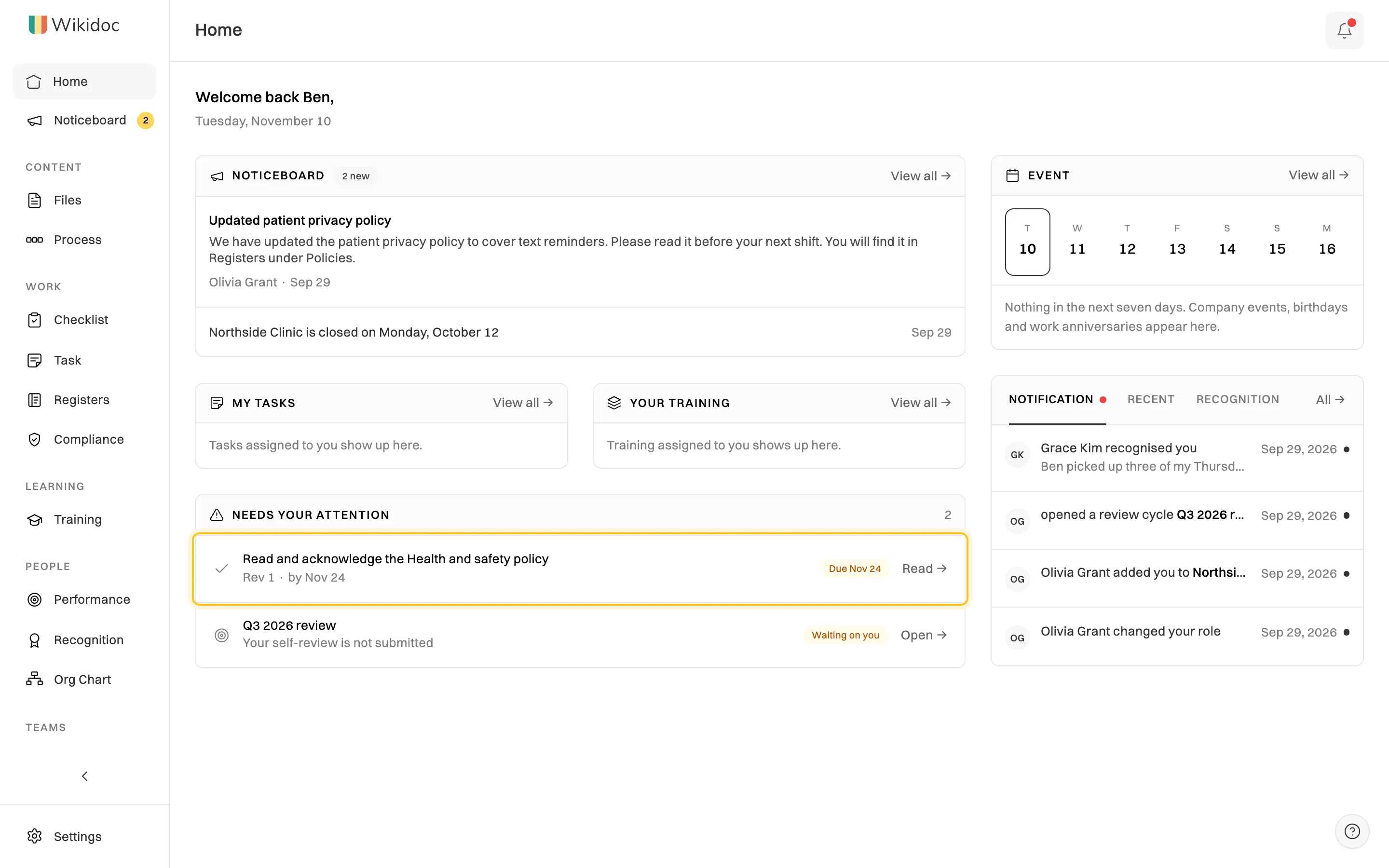
A policy you've been asked to read shows on Home. -
Read the policy. It’s the approved version, labelled with its revision and who approved it. If someone is editing the policy, you still see the approved version until their changes are approved.
-
Tick I have read and understood this policy., check your name under Type your full name to confirm, and click Acknowledge.
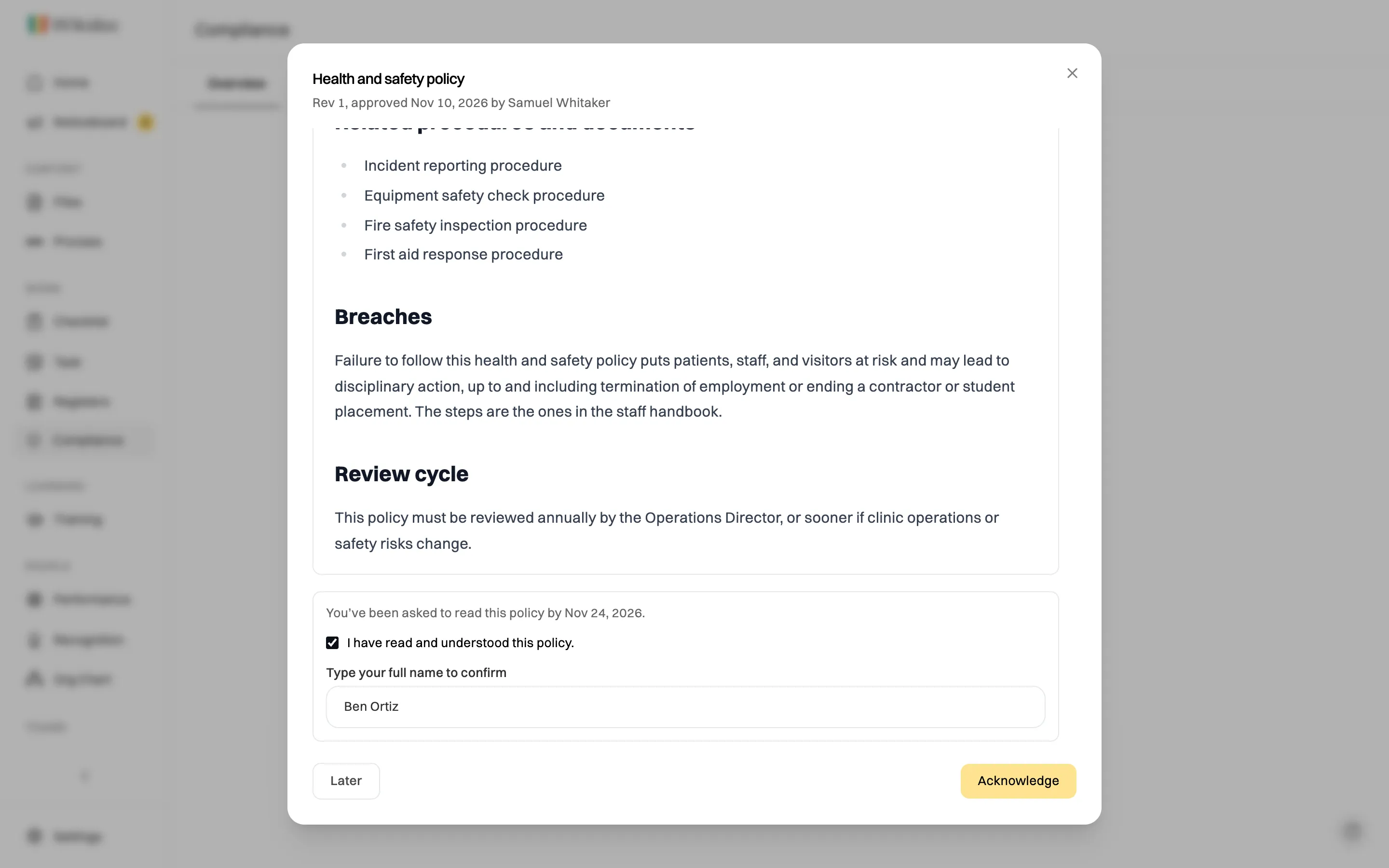
Confirm by typing your name.
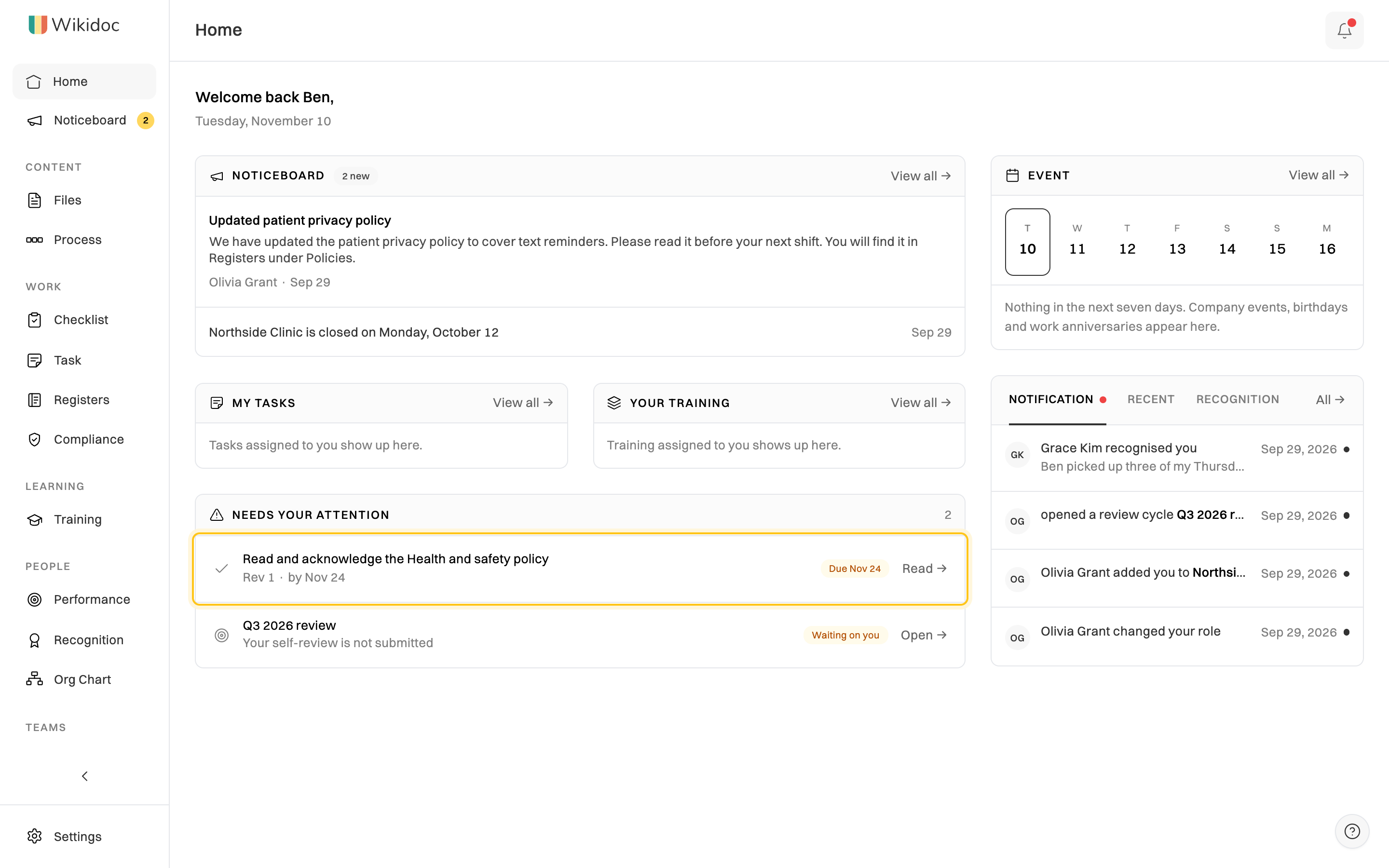
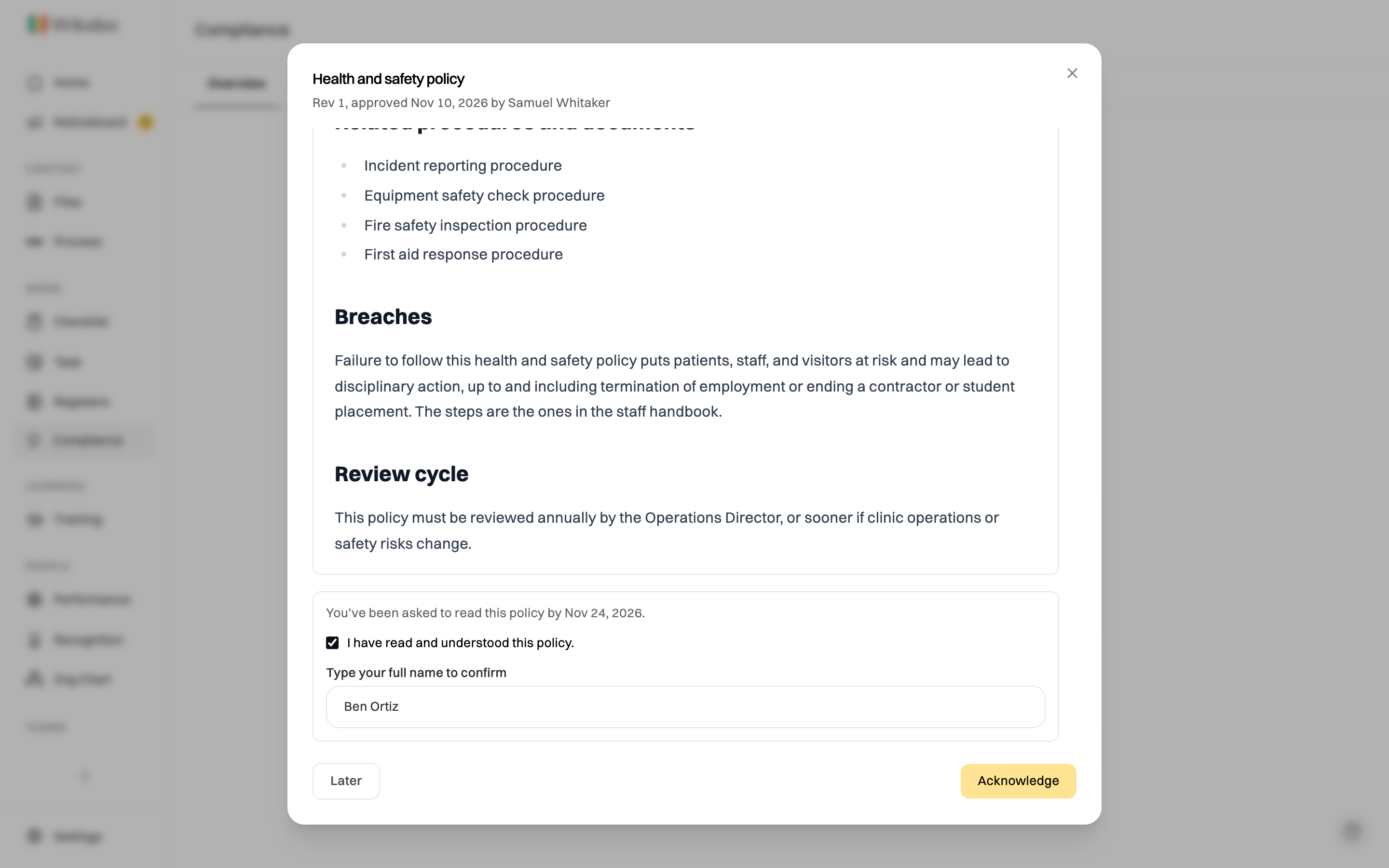
Not ready yet? Click Later. It stays on Home until you acknowledge it.
What you’re confirming
Section titled “What you’re confirming”You’re confirming that you’ve read this revision and understood it. If you don’t understand part of it, ask the policy’s owner before you acknowledge. When a new revision is approved, you may be asked to read and acknowledge it again.